

 Home
Home
 Apps
Apps
 Games
Games
 Disclaimer
 Cookies & Privacy Policy
 Terms of Service

Version: 2.4.3
Developer: Codespace Dijital
 Trusted app

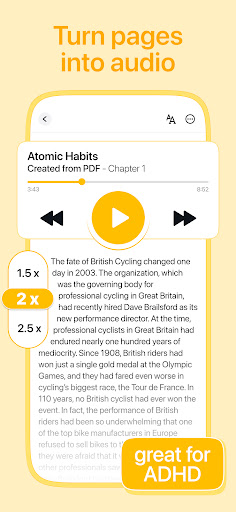
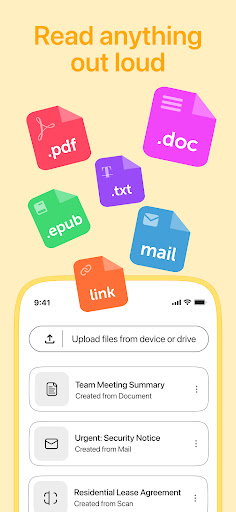
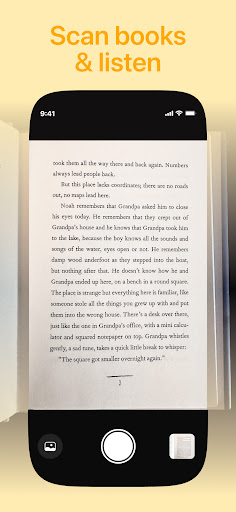
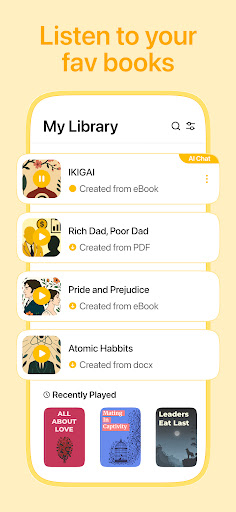

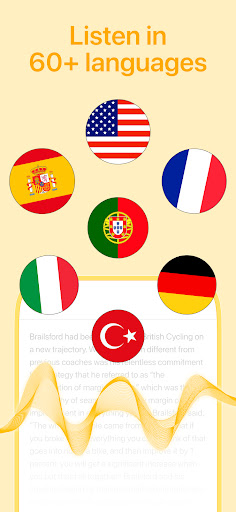
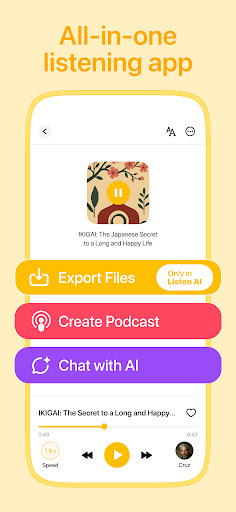
Listen AI: Text to Speech is a versatile Android app designed to convert written text into clear, natural speech, enhancing productivity and accessibility. Whether you need to listen to articles, emails, or notes on the go, this app provides an intuitive and seamless user experience for users seeking an reliable app based solution for reading assistance.
This app is perfect for students, professionals, and anyone who prefers listening to content rather than reading. It benefits users of all ages who want an easy-to-use mobile app for quick audio conversions.
Whether you're involved in language learning, multitasking, or simply seeking a convenient app-based solution for reading, this Android app caters to those seeking a seamless app experience for text-to-speech needs in daily life.
This Android app offers a reliable and user-friendly platform with rich app features that enhance your listening experience. Its offline capabilities and natural voice quality set it apart from similar apps, making it a trusted app-based solution for productivity and convenience.
Designed with user needs in mind, it solves common problems like accessibility and multitasking, providing a straightforward and efficient way to convert text into speech efficiently and reliably.

 Natural-sounding Voice Output
Wide Range of Voice Selections
User-Friendly Interface
Offline Functionality in Premium Version
Fast Conversion Speed
Natural-sounding Voice Output
Wide Range of Voice Selections
User-Friendly Interface
Offline Functionality in Premium Version
Fast Conversion Speed

 Limited Free Voice Options
Occasional Pronunciation Errors
Premium Subscription Cost
Limited Language Support
App Stability Issues on Some Devices
Limited Free Voice Options
Occasional Pronunciation Errors
Premium Subscription Cost
Limited Language Support
App Stability Issues on Some Devices
Getting started with Listen AI: Text to Speech is straightforward. Once you install the app on your Android device, you can set up your preferences and start converting text into speech easily.
This mobile app offers a user-friendly experience, making it simple for anyone to access high-quality text-to-speech features. Whether you're using it for work or personal use, the app's intuitive interface makes onboarding a breeze.
Yes, Listen AI: Text to Speech is developed with user safety in mind. The app adheres to standard security practices and does not collect unnecessary personal data, ensuring trustworthiness for users.
If privacy is a concern, rest assured that this app based solution prioritizes data security. Always review the app's privacy policy to understand how your information is managed while using the Android app.
The app features include natural voice synthesis, multiple language support, and adjustable speech speed. These capabilities make the app experience more personal and adaptable to your needs.
As a launcher app in the productivity category, Listen AI: Text to Speech provides a seamless way to convert text into spoken words, useful for reading, studying, or even while driving. Its app features are designed to enhance accessibility and convenience.
Absolutely! Listen AI: Text to Speech allows you to pick from a variety of voices and languages. This level of customization ensures the app experience feels natural and suited to your preferences.
Such app features make it a versatile tool whether you're using it for learning, entertainment, or assistance. It enhances the overall functionality as an effective app based solution for text-to-speech needs.
This Android app offers both options. You can use certain features offline once the voices are downloaded, which is handy if you're often on the move or in areas with limited connectivity.
This flexibility in the app experience makes Listen AI: Text to Speech a reliable choice, especially for those who need consistent access without relying on constant internet access. It provides practical app features tailored for everyday use.
Google Calendar
Productivity
Google Assistant
Productivity
CamScanner- scanner, PDF maker
Productivity
Microsoft OneNote: Save Notes
Productivity
WPS Office-PDF, Word, Sheet
Productivity
HP Print Service Plugin
Productivity
AI Chatbot - Nova
Productivity
Grammarly-AI Writing Assistant
Productivity
VPN Proxy Speed - Super VPN
Productivity
TeamViewer QuickSupport
Productivity
AVG Cleaner – Storage Cleaner
Productivity
Chrome Beta
Productivity











 Download From Google Play











