

 Home
Home
 Apps
Apps
 Games
Games
 Disclaimer
 Cookies & Privacy Policy
 Terms of Service

Version: 1.7.3
Developer: Simple Design Ltd.
 Trusted app
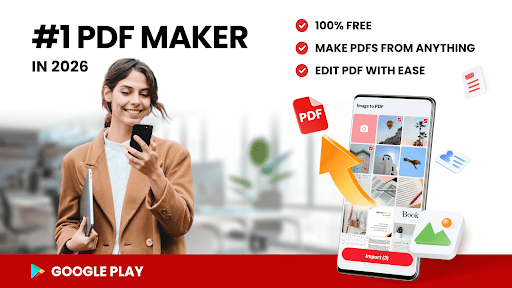
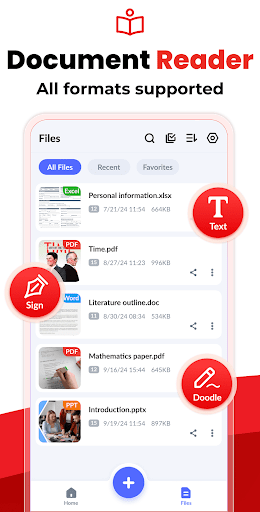
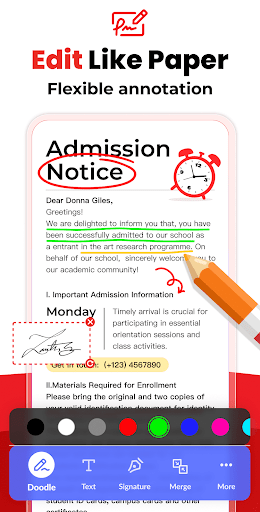
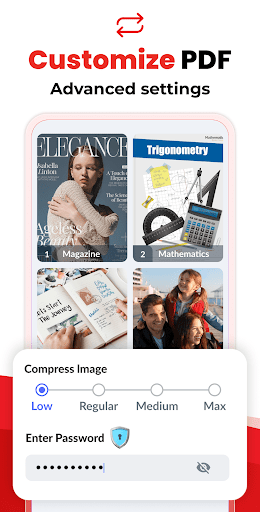
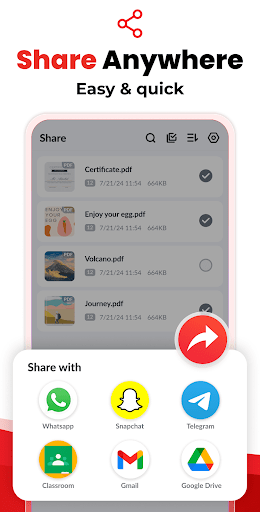
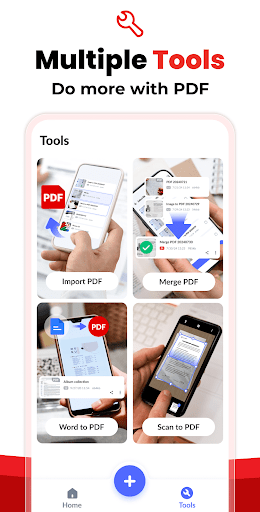
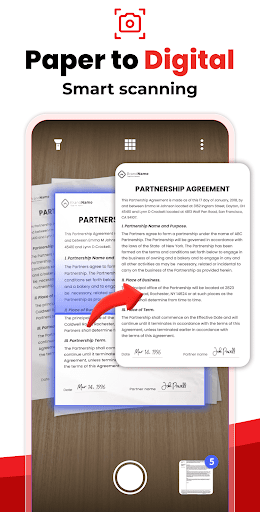
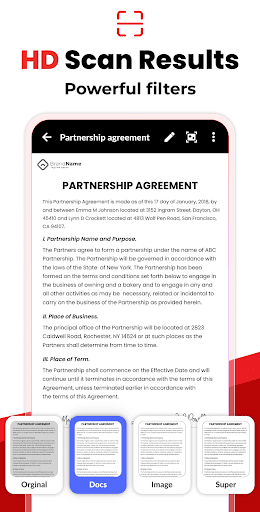
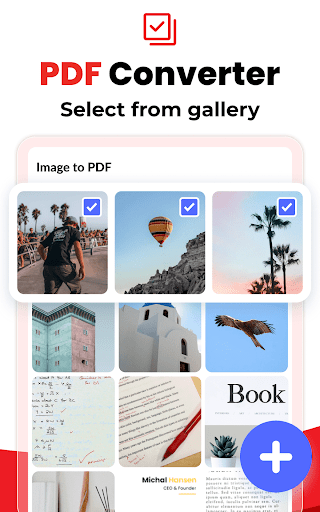
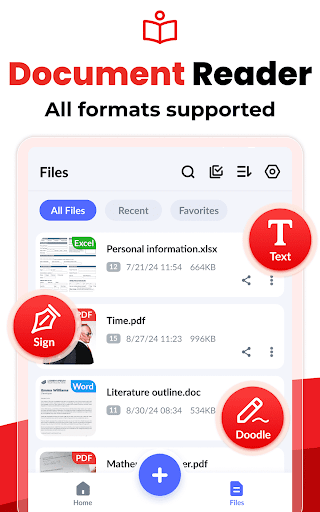
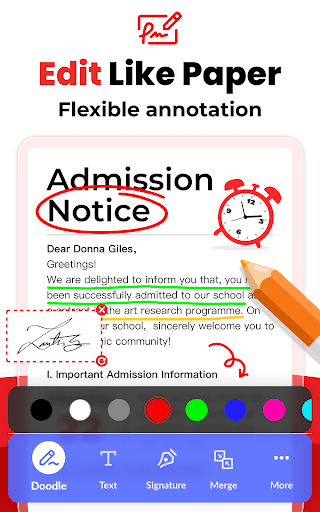
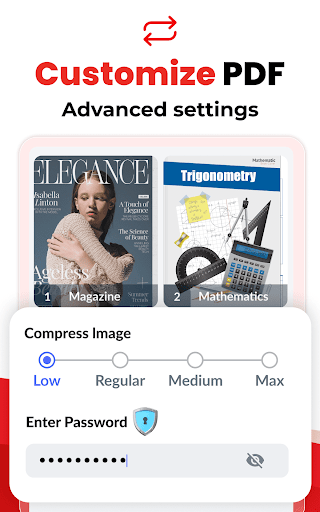
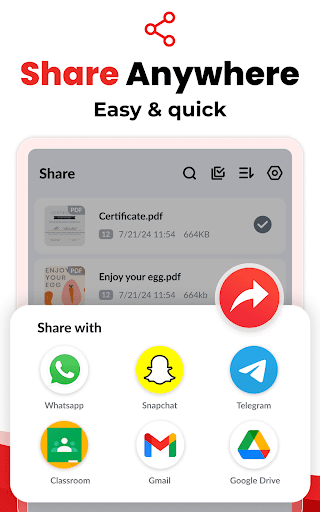
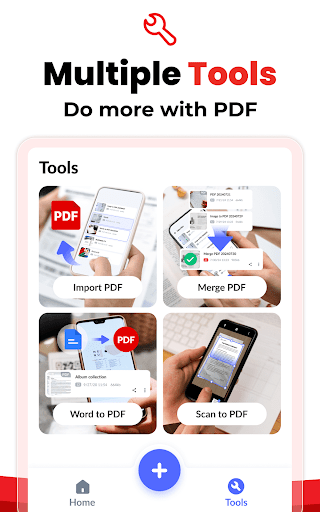
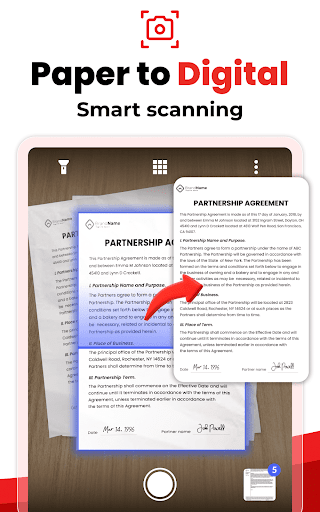
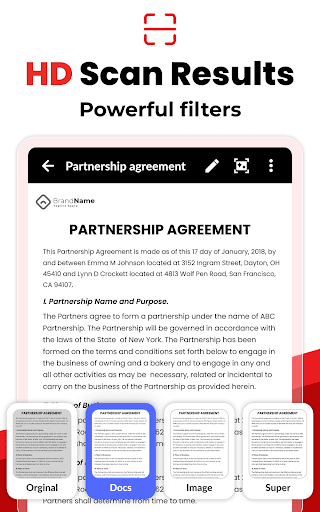
Image to PDF - PDF Maker is a user-friendly mobile app designed to convert images into high-quality PDF documents easily on your device. As an Android app, it offers a straightforward and efficient way to manage your files, making it an ideal solution for users seeking a reliable app based solution for document conversion. Its intuitive interface ensures a smooth app experience, whether you're at home or on the go.
This mobile app is ideal for students, professionals, and anyone who frequently needs to create PDFs from images on their Android device. It suits users looking for a reliable app-based solution for quick document management.
People often use this app for scanning handwritten notes, creating presentations from images, or organizing receipts and invoices on the go, enhancing their app experience with simple, efficient features.
This Android app stands out with its intuitive interface and versatile app features that streamline image to PDF conversions. It provides a smooth app experience tailored for users who value efficiency and reliability.
By addressing common needs such as batch processing and offline access, it offers a trustworthy app-based solution that helps users manage documents effortlessly and confidently.

 User-Friendly Interface
High-Quality Output
Multiple Image Support
Portable and Convenient
Customization Options
User-Friendly Interface
High-Quality Output
Multiple Image Support
Portable and Convenient
Customization Options

 Limited Editing Features
File Size Limitations
Lack of Security Features
Limited File Format Support
No Cloud Storage Integration
Limited Editing Features
File Size Limitations
Lack of Security Features
Limited File Format Support
No Cloud Storage Integration
Installing the Image to PDF - PDF Maker mobile app is straightforward. Just find it on the Google Play Store or Apple App Store, then tap install. The app features an intuitive interface that guides you through the setup process quickly.
Once installed, you can open the app and start creating PDFs from your images. The app experience is designed to be user-friendly, making it easy for anyone to convert images into PDF documents without a steep learning curve.
Yes, the Image to PDF - PDF Maker app is developed with user privacy and safety in mind. It undergoes regular updates to ensure security and compliance with data protection standards. You can safely convert images into PDFs without worrying about data leaks.
The app relies on trusted app-based solutions to process your files locally or securely in the cloud. Trustworthiness is a key part of the app experience, giving you peace of mind while handling sensitive documents.
This Android app offers a variety of app features that include quick image-to-PDF conversion, easy editing tools, and support for multiple image formats. Its sleek design provides a smooth app experience, especially useful if you're looking for a launcher app focused on productivity.
Its versatility makes it suitable for personal and professional use, providing an efficient app-based solution when you need to turn photos into high-quality PDFs on the go.
Absolutely, the Image to PDF - PDF Maker app supports offline use, so you can create PDFs anytime without an internet connection. This feature is especially useful if you're often on the move or in areas with limited connectivity.
The app is compatible with a wide range of Android devices. Its optimized app features ensure smooth performance across various screen sizes and Android versions, delivering a consistent app experience.
You can easily customize your PDFs by exploring the app's settings menu. It allows you to select image quality, page size, and orientation, ensuring the final document meets your needs. The app features are designed to be intuitive, even for first-time users.
Adjusting these options helps you create tailored PDFs for different purposes, whether for professional presentations or personal archiving, making this app a handy app-based solution for all your image-to-PDF conversions.
Google Calendar
Productivity
Google Assistant
Productivity
CamScanner- scanner, PDF maker
Productivity
Microsoft OneNote: Save Notes
Productivity
WPS Office-PDF, Word, Sheet
Productivity
HP Print Service Plugin
Productivity
AI Chatbot - Nova
Productivity
Grammarly-AI Writing Assistant
Productivity
VPN Proxy Speed - Super VPN
Productivity
TeamViewer QuickSupport
Productivity
AVG Cleaner – Storage Cleaner
Productivity
Chrome Beta
Productivity











 Download From Google Play











