

 Home
Home
 Apps
Apps
 Games
Games
 Disclaimer
 Cookies & Privacy Policy
 Terms of Service

Version: 7.12.0.2602040000
Developer: INTSIG PTE
 Trusted app
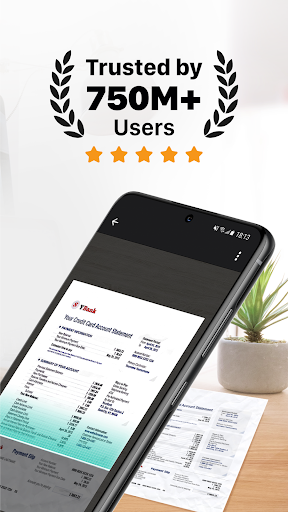
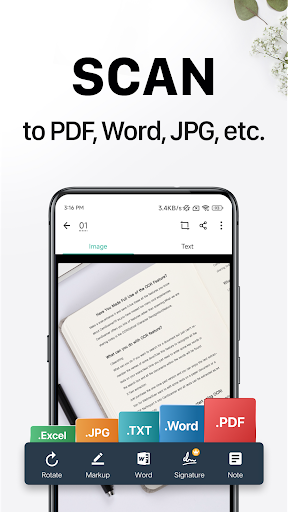
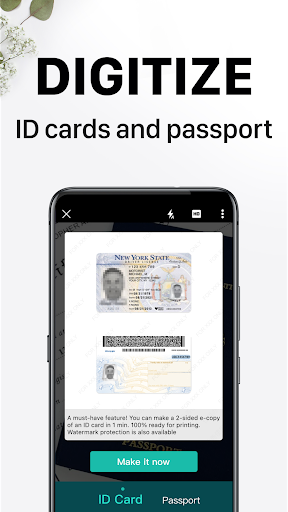
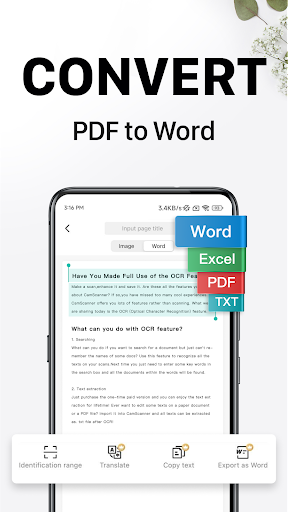
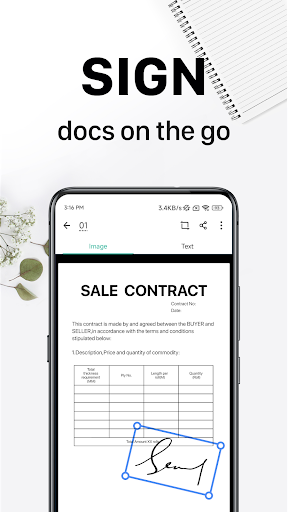
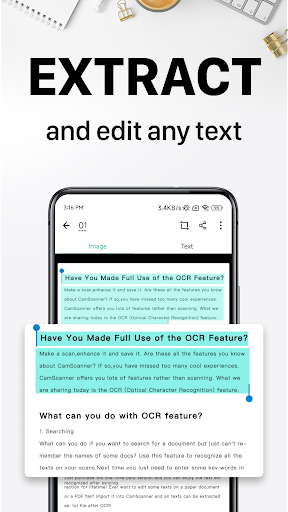
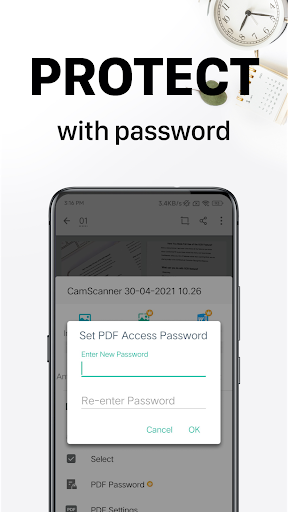
CamScanner - Scanner, PDF Maker is a reliable mobile app designed to help users easily scan documents, convert them into high-quality PDFs, and organize files efficiently. As a popular Android app in the productivity category, it offers an intuitive app experience that simplifies document management and enhances workflow for both personal and professional use.
This mobile app is ideal for students, professionals, and small business owners who need quick and reliable document scanning on their Android app. Its user-friendly design suits users of all ages seeking efficient productivity tools.
If you often handle contracts, receipts, or notes, this app-based solution helps streamline your workflow. It's perfect for those who want an efficient app experience that simplifies digitizing and managing important documents anytime, anywhere.
This Android app stands out with its advanced app features and easy-to-use interface. It offers a comprehensive app experience that addresses daily document management needs efficiently.
By combining reliable scanning tools with seamless cloud integration, this app-based solution helps users stay organized and productive, making it a better choice amid various similar apps in the productivity space.

 Excellent OCR accuracy
Intuitive user interface
Multiple export options
Automatic edge detection and perspective correction
Batch scanning feature
Excellent OCR accuracy
Intuitive user interface
Multiple export options
Automatic edge detection and perspective correction
Batch scanning feature

 Occasional app crashes during high-resolution scans
Limited free features
Watermark added in free version
Cloud storage integrations vary
Limited annotation tools
Occasional app crashes during high-resolution scans
Limited free features
Watermark added in free version
Cloud storage integrations vary
Limited annotation tools
If you experience problems, first ensure your device has the latest OS updates and that the app version is current. Clearing cache or reinstalling the app can often resolve issues. The app features also include customer support options for assistance.
Google Calendar
Productivity
Google Assistant
Productivity
CamScanner- scanner, PDF maker
Productivity
Microsoft OneNote: Save Notes
Productivity
WPS Office-PDF, Word, Sheet
Productivity
HP Print Service Plugin
Productivity
AI Chatbot - Nova
Productivity
Grammarly-AI Writing Assistant
Productivity
VPN Proxy Speed - Super VPN
Productivity
TeamViewer QuickSupport
Productivity
AVG Cleaner – Storage Cleaner
Productivity
Chrome Beta
Productivity











 Download From Google Play










