Home
Home
 Apps
Apps
 Games
Games
 Disclaimer
 Cookies & Privacy Policy
 Terms of Service
Version: 1.9.62
Developer: Braly JSC
 Trusted app
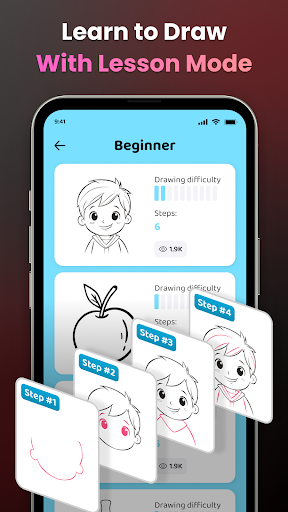
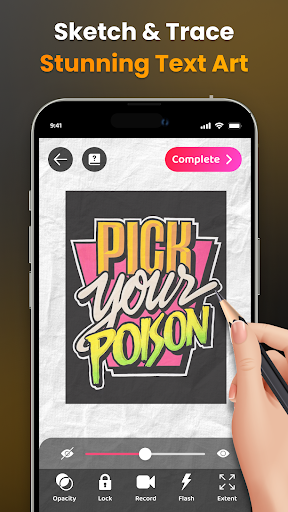
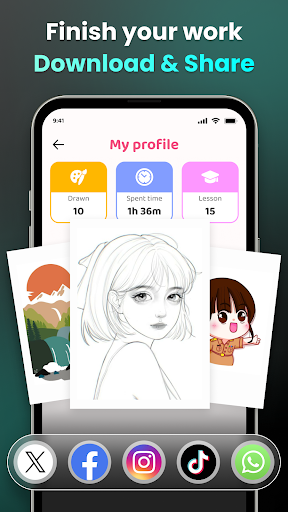
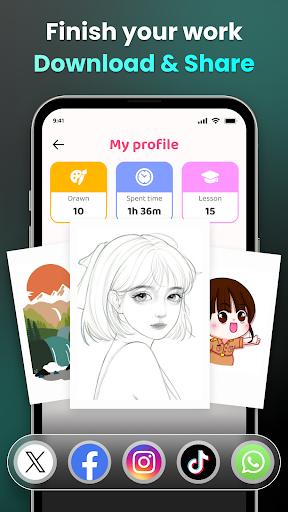
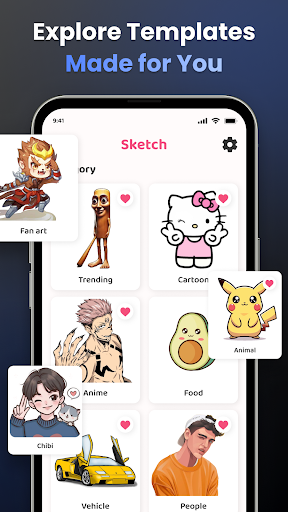
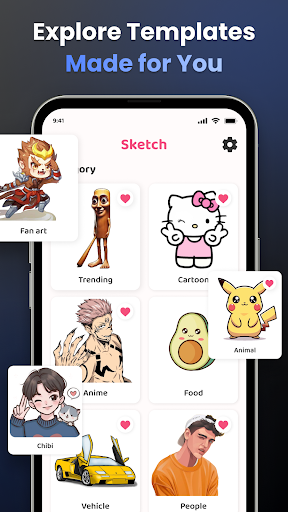
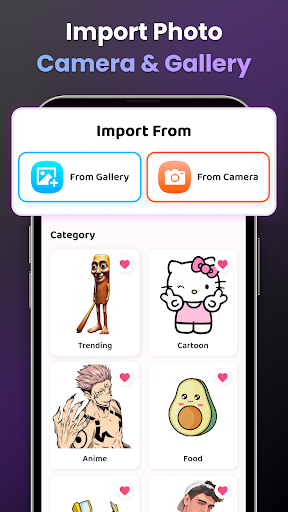

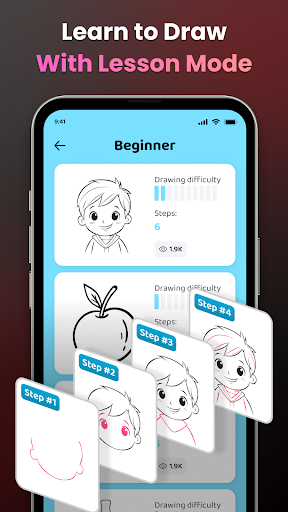

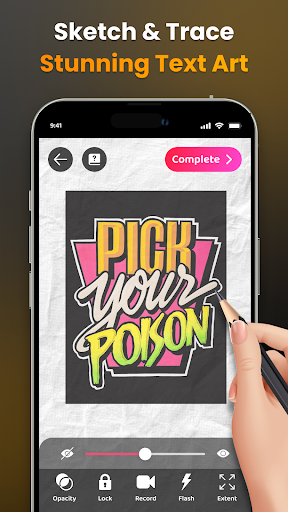
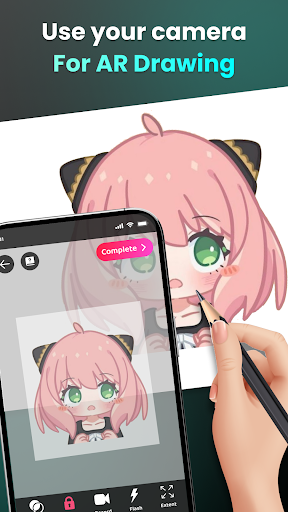
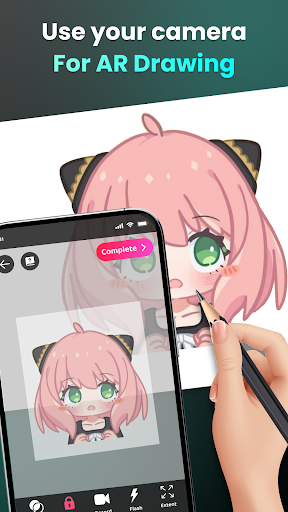
AR Easy Draw - Trace Sketch is a user-friendly art and design mobile app that helps users learn to draw by tracing images and creating sketches effortlessly. Designed for both beginners and more experienced artists, this Android app offers an intuitive interface and a range of features to enhance your creative journey. With its focus on providing a smooth app experience, it serves as a practical app-based solution for improving drawing skills and exploring new artistic ideas.
This mobile app is especially suitable for artists, students, and hobbyists who enjoy drawing and designing on their Android devices. Its user-friendly interface makes it ideal for beginners and casual users seeking a creative outlet.
Whether you're sketching anime characters, creating quick illustrations, or practicing art skills, this app-based solution offers a practical way to bring your ideas to life. It suits anyone looking for a versatile launcher app for artistic pursuits.
This Android app stands out by combining powerful app features with a straightforward app experience, making digital drawing accessible and enjoyable. Its offline capabilities and varied tools provide real value for creative individuals.
By addressing common limitations of similar apps, it offers an efficient and reliable platform for artists seeking a trusted app-based solution for their creative projects. Its focus on usability and comprehensive features make it a top choice for digital art enthusiasts.

 Intuitive tracing feature
Wide variety of sketch templates
Simple user interface
Customizable tracing guides
Suitable for all ages
Intuitive tracing feature
Wide variety of sketch templates
Simple user interface
Customizable tracing guides
Suitable for all ages

 Limited drawing tools
Occasional lag during complex sketches
Basic editing features
Limited export formats
No social sharing integration
Limited drawing tools
Occasional lag during complex sketches
Basic editing features
Limited export formats
No social sharing integration
AR Easy Draw - Trace Sketch is a user-friendly mobile app designed for art and design enthusiasts. It allows you to easily trace and create sketches using augmented reality technology, making drawing more interactive and fun.
This Android app offers features such as guided tracing, multiple brushes, and layer options that help users improve their art skills. It's perfect for both beginners and experienced artists seeking a versatile app based solution for sketching and art creation.
Yes, AR Easy Draw - Trace Sketch is a safe and reliable mobile app. It is developed by a reputable company with a focus on user privacy and data security, ensuring your device and personal information stay protected.
As with any app, it's recommended to download from official sources like the Google Play Store, which verifies its safety and authenticity. This Android app is designed to provide a trustworthy app experience, giving peace of mind to users looking for a creative tool.
Yes, once installed, AR Easy Draw - Trace Sketch offers offline functionality for most of its features. You can create sketches and trace images even without an internet connection, making it convenient for use on the go.
Some features such as updates or sharing your art might require an internet connection, but the core app based solution allows you to enjoy a smooth app experience without constantly being online.
This Android app boasts a variety of features designed to enhance your drawing experience. It includes real-time AR tracing, multiple brush styles, adjustable layers, and an easy-to-navigate interface. These features make it easier to learn and refine your artskills.
The app also supports saving your work in various formats, allowing you to share your sketches or continue editing later. Its intuitive design provides a seamless app experience for users at all levels of expertise.
AR Easy Draw - Trace Sketch stands out by focusing on augmented reality tracing, which offers a unique app features set compared to traditional drawing apps. Its app based solution is designed to be approachable and helpful for users interested in digital art and sketching.
While many art apps offer similar features, this particular Android app emphasizes interactive drawing with AR, enriching the app experience for users wanting to incorporate technology into their art process. Its combination of simplicity and effective tools makes it a reliable choice for art hobbyists and learners alike.
Canva: AI Photo & Video Editor
Art & Design
AI Photo Editor: BG Remover
Art & Design
FlipaClip: Draw 2D Animation
Art & Design
PaperColor
Art & Design
Artrace: AR Easy Draw & Sketch
Art & Design
Concepts: Sketch, Note, Draw
Art & Design
Desygner: Graphic Design Maker
Art & Design
Poster Maker - Flyer Maker
Art & Design
VistaCreate: Graphic Design
Art & Design
Logo Maker And Logo Creator 3D
Art & Design
Face Swap Video - Faceswapp AI
Art & Design
Diamond Painting by Number
Art & Design











 Download From Google Play