Home
Home
 Apps
Apps
 Games
Games
 Disclaimer
 Cookies & Privacy Policy
 Terms of Service
Version: 10.3.0
Developer: Easybrain
 Trusted app
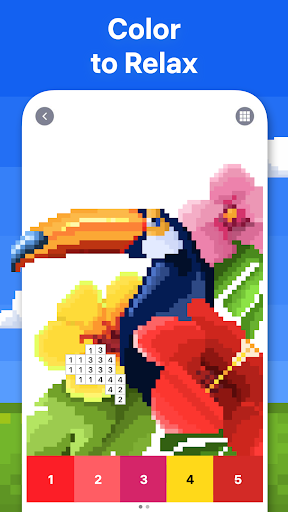
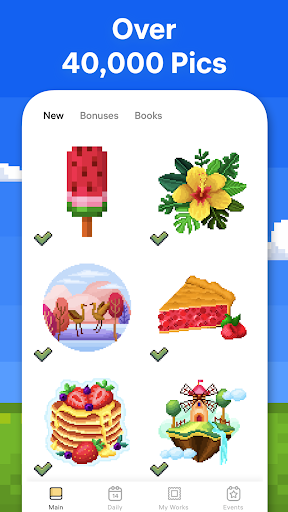

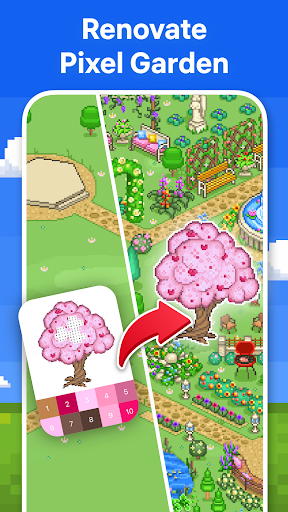
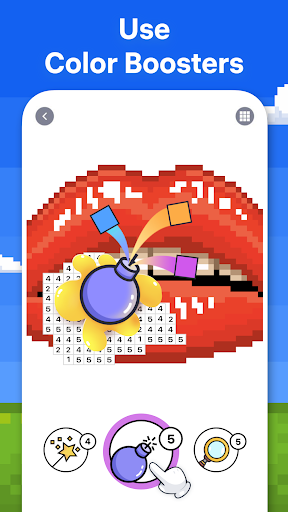
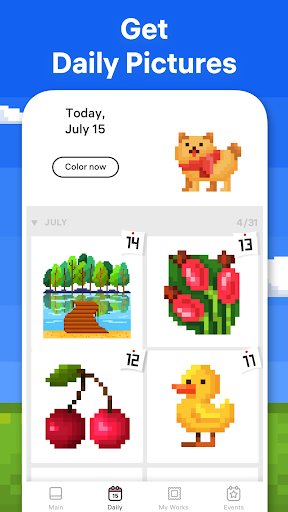
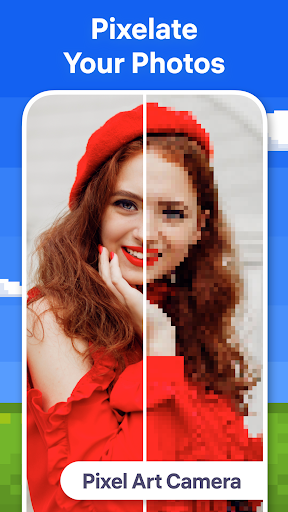
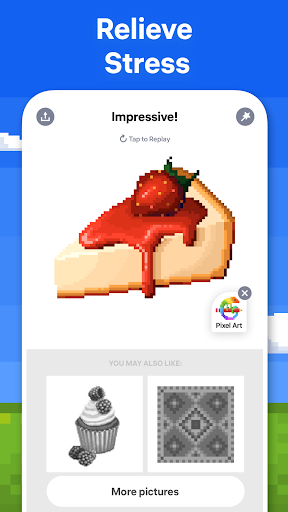
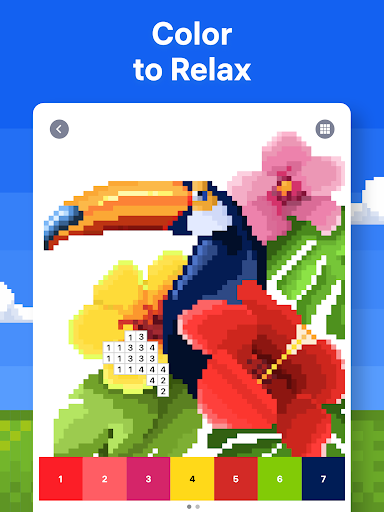
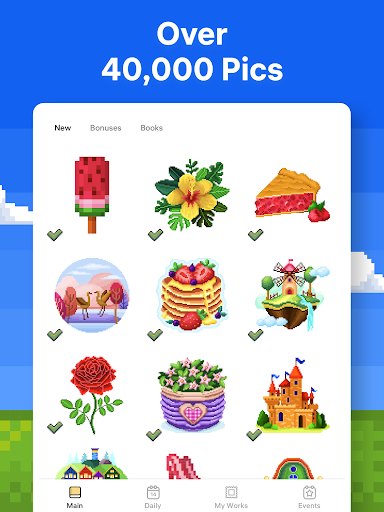
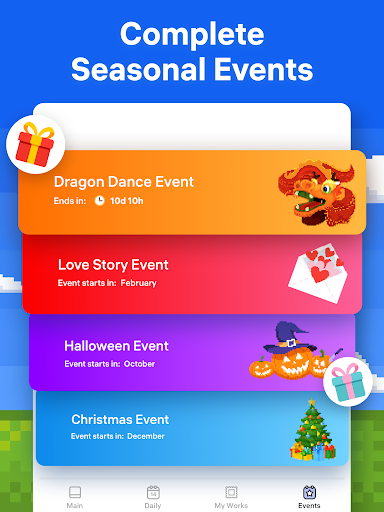
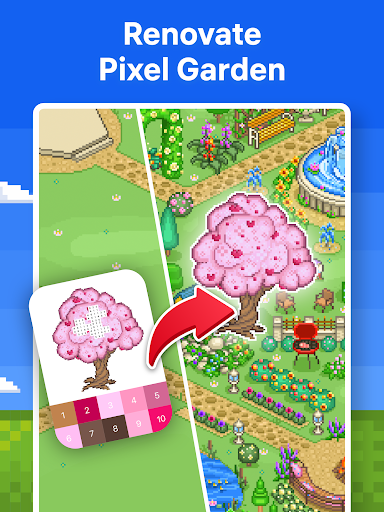
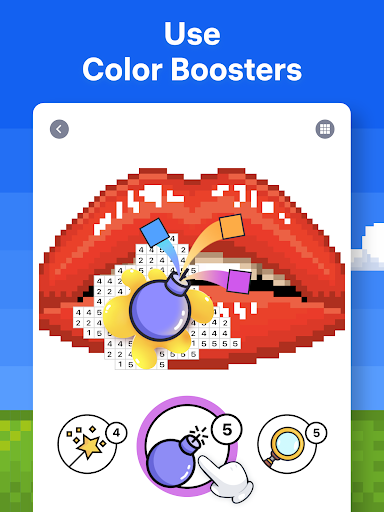
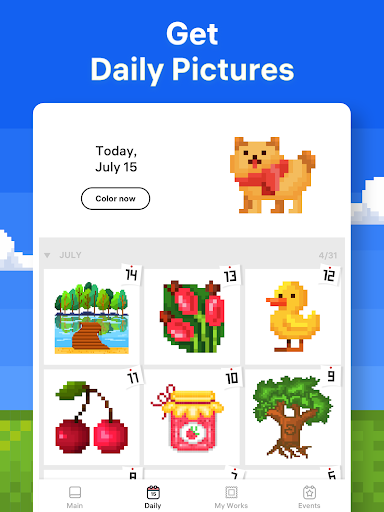
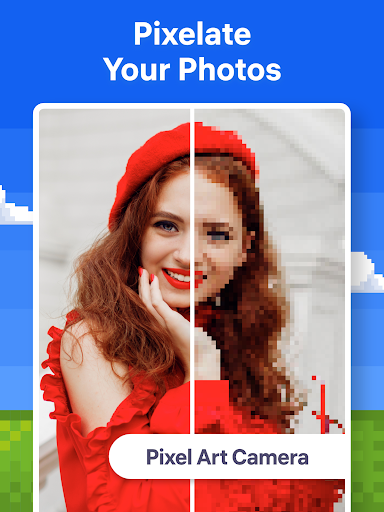
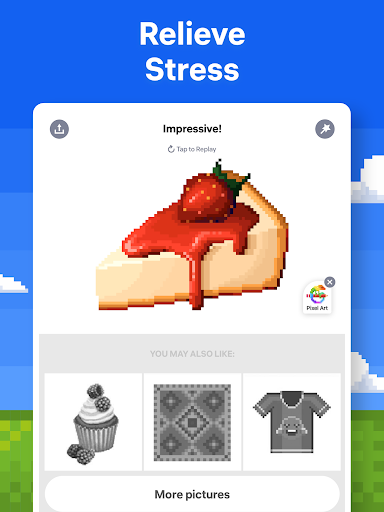
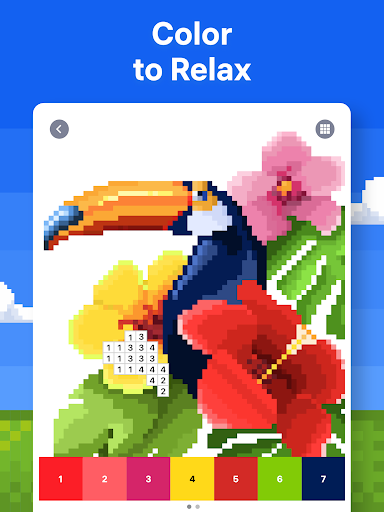
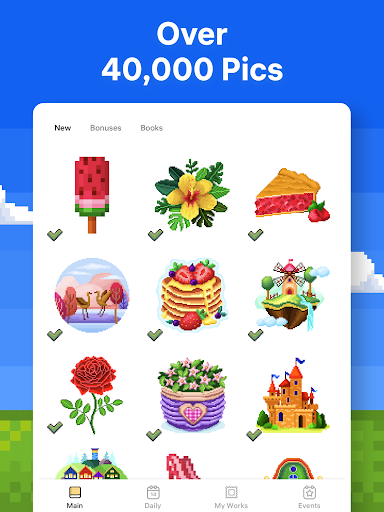
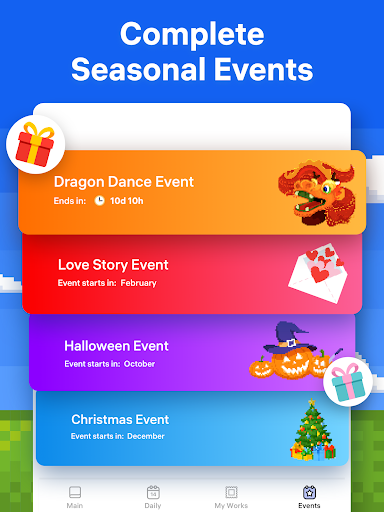
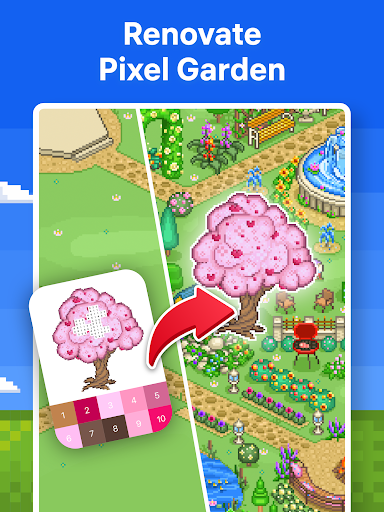
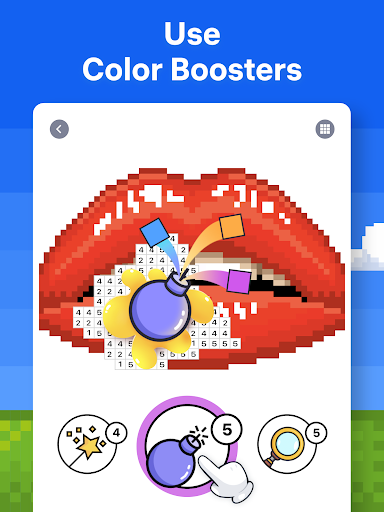
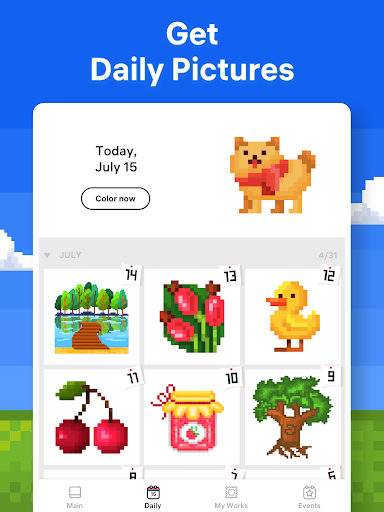
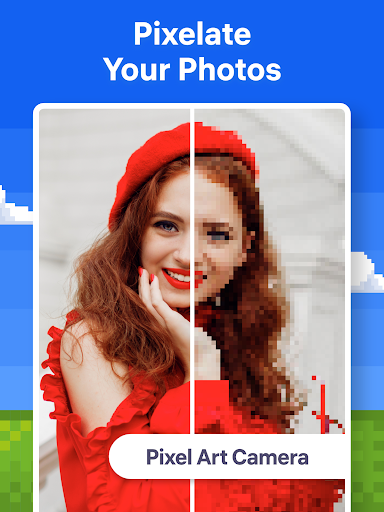
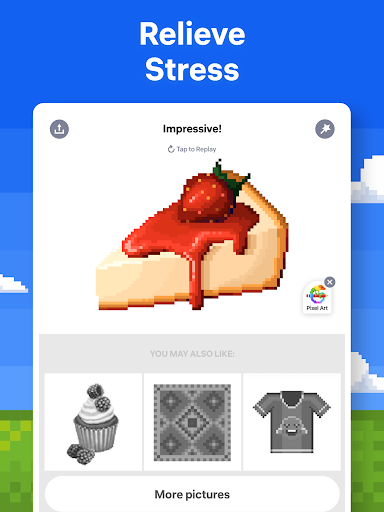
Pixel Art - Color by Number is a popular puzzle mobile app designed to provide relaxing and engaging coloring experiences. Available for both Android and Apple devices, this app features a variety of pixel art images that users can bring to life by filling in numbered pixels. Its intuitive interface and creative design make it a great choice for users seeking a fun, stress-free way to enjoy coloring on their mobile devices, offering an enjoyable app experience that combines simplicity with entertainment.
This mobile app is perfect for art enthusiasts, hobbyists, and anyone interested in pixel art. It's especially suitable for users aged 10 and above who want a relaxing creative outlet or a fun way to pass the time.
Whether you're looking for a casual coloring activity or an app-based solution to improve your artistic skills, this app offers an enjoyable experience on your Android device. It's ideal for both beginners and more experienced artists seeking a simple yet engaging puzzle app.
This app provides a seamless app experience with a wide range of app features tailored for pixel art lovers. Its intuitive design makes coloring easy and enjoyable for all users.
What sets this Android app apart is its thoughtful features that solve common coloring challenges, such as color overflow or complicated interfaces. It stands out as a reliable, user-friendly solution for creating beautiful pixel art on your mobile device.

 Intuitive and user-friendly interface
High-quality pixel art images
Color-by-number system simplifies coloring
Regular updates with new images
Minimal in-app advertisements
Intuitive and user-friendly interface
High-quality pixel art images
Color-by-number system simplifies coloring
Regular updates with new images
Minimal in-app advertisements

 Limited color palette options
Drawings sometimes lack variety
Incomplete color filling in certain regions occasionally
Limited free content and slow unlocking of advanced features
Color suggestions can sometimes be inaccurate
Limited color palette options
Drawings sometimes lack variety
Incomplete color filling in certain regions occasionally
Limited free content and slow unlocking of advanced features
Color suggestions can sometimes be inaccurate
Yes, Pixel Art - Color by Number is a trusted mobile app available on both the Google Play Store and the Apple App Store. It adheres to strict safety standards and is regularly updated to ensure user security. Rest assured, it is safe to install and use on your Android device or iPhone. As an experienced app developer and reviewer, I can confirm that this puzzle game has been tested for malware and privacy concerns. Its app experience is designed to be seamless, making it a reliable choice for fans of coloring and puzzle genres.
If you encounter problems installing Pixel Art - Color by Number, first ensure your device has enough storage space and the latest OS update. Restart your device and try installing the app again from the Google Play or Apple App Store. Sometimes, issues arise from network connectivity or app version compatibility. Checking for updates and ensuring a stable internet connection can usually resolve installation troubles. This mobile app is designed for smooth performance, whether you're using it as a puzzle or coloring app.
This Android app offers a variety of features tailored for coloring enthusiasts and puzzle lovers alike. You can enjoy hundreds of pixel art images, color by number, and explore different difficulty levels. It also provides an intuitive interface that makes it easy to navigate and create stunning artworks. Additional features include offline access, daily challenges, and the ability to save and share your masterpieces. Its app experience is designed to be engaging, making it a popular choice among users seeking a relaxing creative outlet.
Yes, this app caters to a broad audience, from children to adults. Its simple controls and calming gameplay make it appropriate for users of all ages. In addition, it promotes patience and attention to detail, which can be beneficial for younger users. As an app-based solution, Pixel Art - Color by Number provides a safe and enjoyable environment for users looking for a creative and stress-relieving activity. Its wide appeal lies in its easy-to-understand app features and the satisfying coloring process.
The app experience is designed around user engagement, with a clean and intuitive interface that makes coloring both fun and straightforward. The app features include a wide variety of coloring images, adjustable color palettes, and undo options to refine your artwork. Its app features encourage creativity while providing a relaxing activity. As an experienced reviewer, I find that the app's thoughtful design ensures that even beginners can enjoy it without frustration, making it a popular launcher app for creative minds.
Wood Nuts & Bolts Puzzle
Puzzle
Cookie Jam™ Match 3 Games
Puzzle
Fill The Fridge
Puzzle
Tap Away
Puzzle
AMAZE!
Puzzle
Polysphere: Art Puzzle Game
Puzzle
2248 - Numbers Game 2048
Puzzle
Brainy Prankster
Puzzle
Merge Dragons!
Puzzle
Draw To Smash - Draw Puzzle
Puzzle
Jigsawscapes® - Jigsaw Puzzles
Puzzle
Delete Puzzle: Erase One Part
Puzzle











 Download From Google Play
 Download From App Store