Home
Home
 Apps
Apps
 Games
Games
 Disclaimer
 Cookies & Privacy Policy
 Terms of Service
Version: 3.14.23
Developer: Liume Inc.
 Trusted app
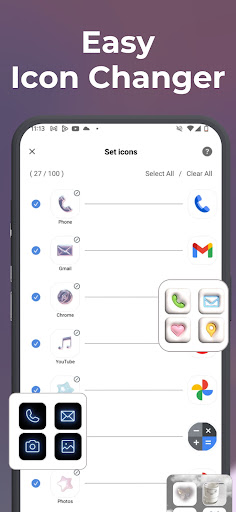
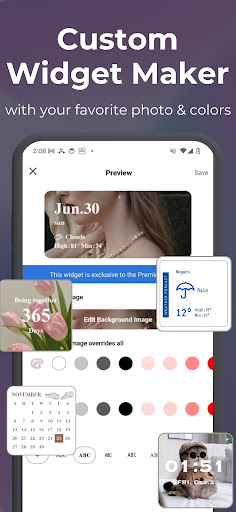
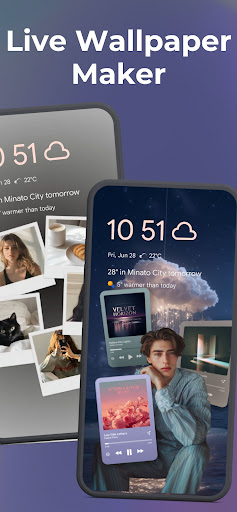
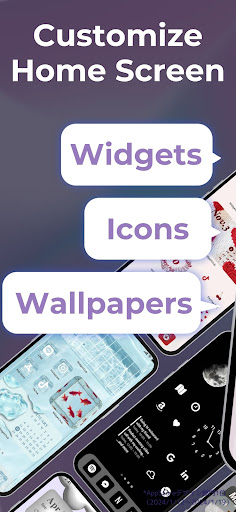
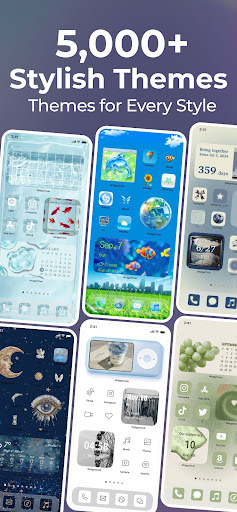
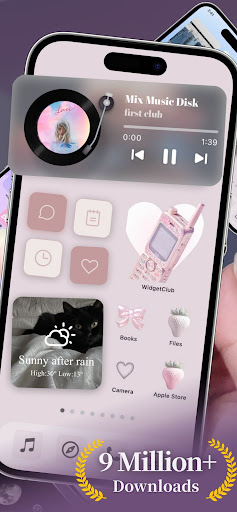
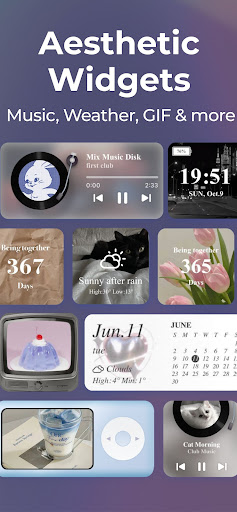
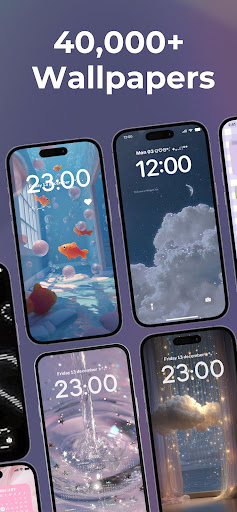
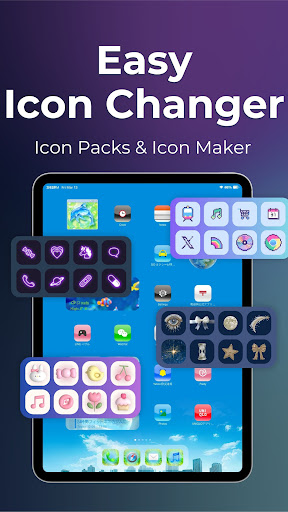
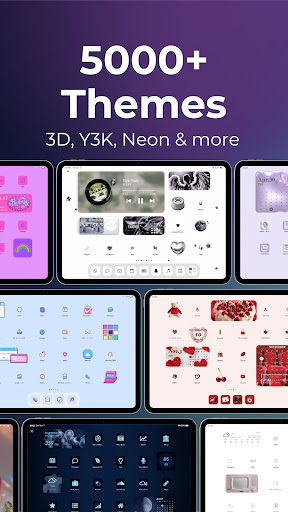
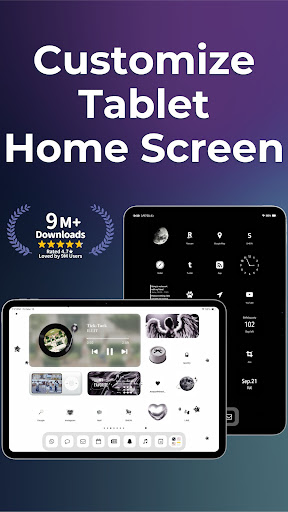
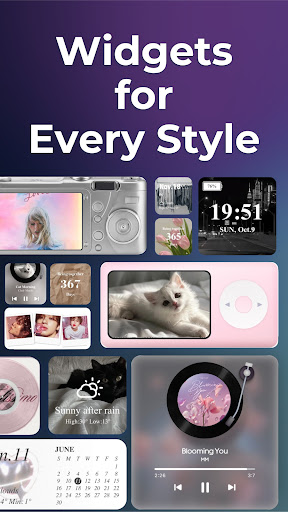
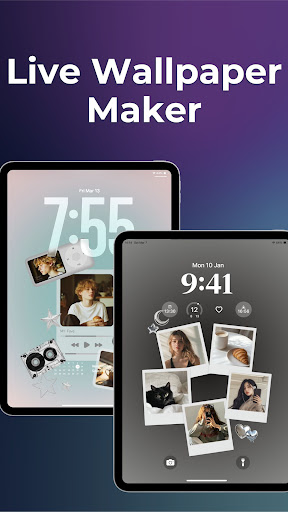
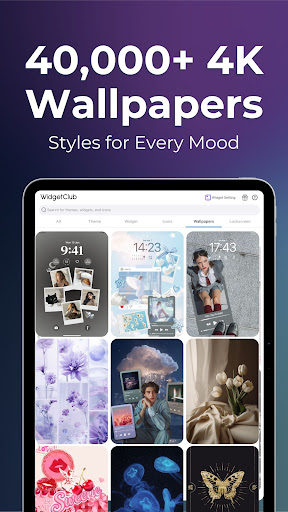
WidgetClub: Widget, Theme, Icon is a versatile personalization mobile app designed for Android devices. It allows users to customize their home screens easily by adding various widgets, themes, and icons, enhancing the overall app experience. This app provides a user-friendly platform for personalizing your Android app interface with a range of creative options.
This mobile app is ideal for Android app users who love customizing their device and making their home screens truly personal. It appeals to tech enthusiasts and casual users alike who want a unique visual experience.
It is perfect for users seeking an app-based solution to enhance their device's appearance, whether for personal expression or to organize their apps more efficiently in daily use scenarios.
This launcher app offers a combination of rich app features and an easy-to-use interface, making it a standout choice for Android users wanting a personalized experience. Its seamless app experience ensures customization is both simple and enjoyable.
What sets it apart is its focus on user convenience and customization depth, providing a reliable app-based solution that improves device aesthetics without compromising performance or trustworthiness.

 User-friendly interface
Wide selection of themes and icons
Smooth performance and quick loading times
Regular updates with new content
Compatibility with most Android devices
User-friendly interface
Wide selection of themes and icons
Smooth performance and quick loading times
Regular updates with new content
Compatibility with most Android devices

 Limited customization options for advanced users
Occasional ads appearing in free version
High battery consumption during intensive customization
Limited free content compared to premium options
Inconsistent icon design style in some themes
Limited customization options for advanced users
Occasional ads appearing in free version
High battery consumption during intensive customization
Limited free content compared to premium options
Inconsistent icon design style in some themes
To access this app, simply open the WidgetClub app on your device and follow the prompts to create an account or log in with your existing credentials. The app offers an easy onboarding process to get you started quickly. Once logged in, you'll be able to explore various customization options for your device. The app experience is designed to be intuitive, making it simple for users to personalize their Android phone with new widgets, themes, and icons.
Yes, WidgetClub is developed with user safety and privacy in mind. The app is hosted on the Google Play Store, which thoroughly reviews apps before publication. You can trust that this mobile app adheres to strict safety standards. Always ensure you're downloading the latest version to benefit from security updates. WidgetClub's app features are designed to enhance your device's appearance without compromising security or performance.
The app features include a vast selection of customizable widgets, themes, and icons to tailor your device's look. You can quickly apply new designs, organize your home screen, and enjoy a more personalized app experience. This launcher app offers an easy-to-use interface, making it simple to change themes and icons for a fresh, unique appearance. It's a great app-based solution for those who love customizing their Android devices.
WidgetClub is compatible with most Android devices, including many older versions. However, it's best to check the app requirements on the Play Store to ensure your device meets the necessary specifications. Using this app based solution can extend your device's personalization options without needing the latest hardware, making it a versatile choice for many users looking to enhance their app experience.
Once you've installed the app, navigating to the customization section is straightforward. You can browse through a wide range of widgets, select your favorite themes, and change icons to fit your style. The app features an intuitive interface that guides you through the customization process step by step, allowing you to personalize your home screen quickly and easily, enhancing your overall app experience.
This launcher app is designed to be lightweight and efficient, so it shouldn't significantly impact your device's battery life or performance. It integrates smoothly with your Android system, providing an improved app experience without unnecessary resource drain. If you notice any issues, you can adjust settings within the app to optimize performance. Overall, WidgetClub offers a delightful way to customize your device while keeping resource use minimal.
WidgetClub offers a free version that provides many customization features suitable for most users. However, some premium themes and icons might require one-time purchases or subscriptions. This model helps support ongoing updates and new content, ensuring your app experience remains fresh and engaging for a variety of personalization needs.
Support is available directly through the Google Play Store listing, where you can find contact details and FAQs. Many users find helpful tutorials and tips in online communities dedicated to Android customization. If you encounter technical issues or have specific questions, reaching out through the app's support channels helps build trust and ensures you get accurate assistance for your app based solution.
Zedge™ Wallpapers & Ringtones
Personalization
ThemeKit - Themes & Widgets
Personalization
Fonts Keyboard Themes & Emoji
Personalization
X Icon Changer - Change Icons
Personalization
Edge Lighting - Borderlight
Personalization
Wallpapers HD - Backgrounds 4K
Personalization
Themes
Personalization
Pixel 4D™ Live Wallpapers
Personalization
Make Money: Play to Earn Cash
Personalization
Microsoft Launcher
Personalization
Smart Launcher 6 ‧ Home Screen
Personalization
Launcher OS™
Personalization











 Download From Google Play