

 Home
Home
 Apps
Apps
 Games
Games
 Disclaimer
 Cookies & Privacy Policy
 Terms of Service

Version: 1.31.3-2151287-4c1526b
Developer: VSee Lab, Inc.
 Trusted app
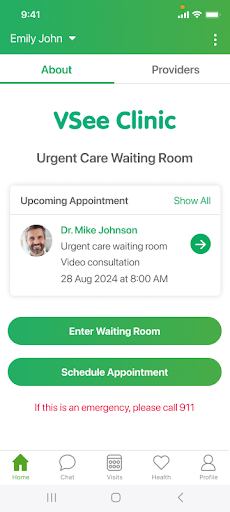
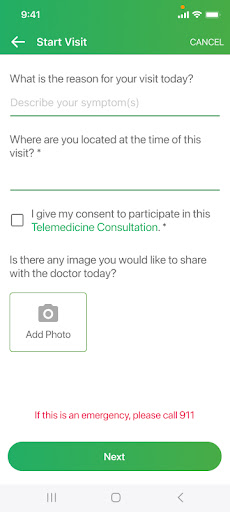
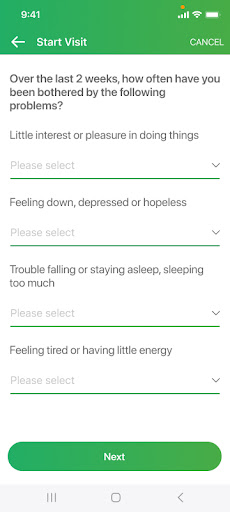
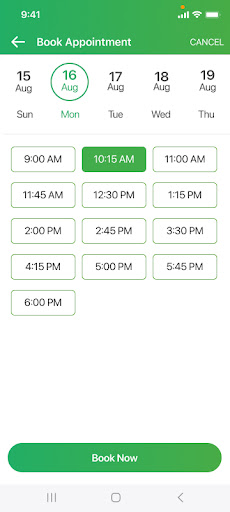
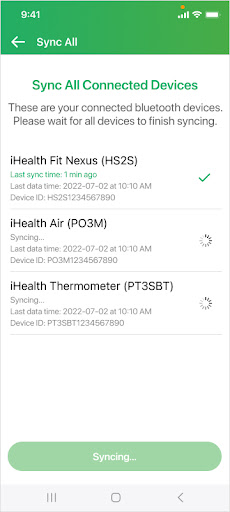
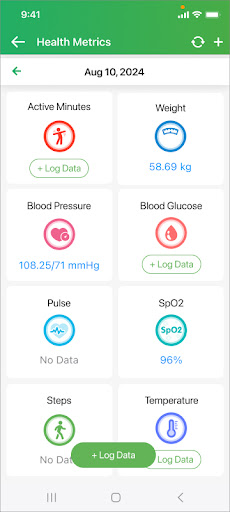
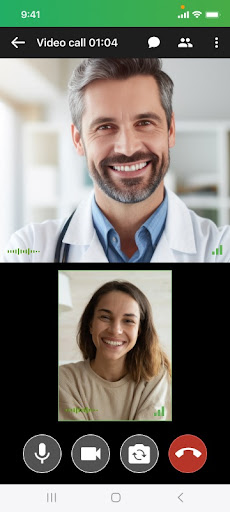
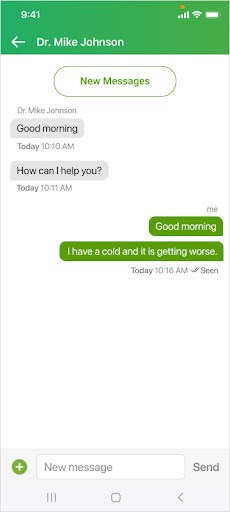
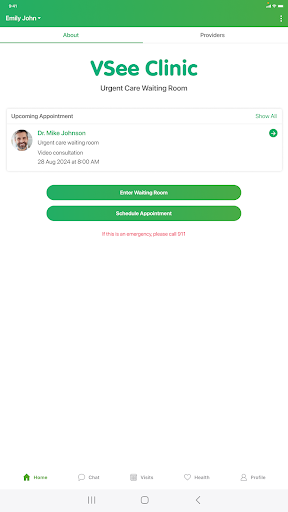
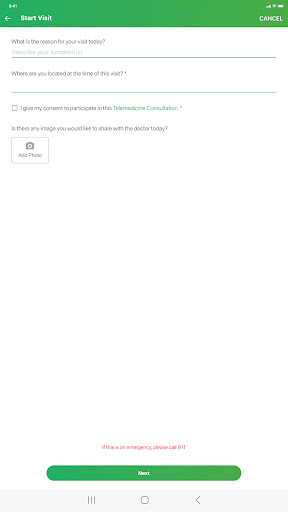
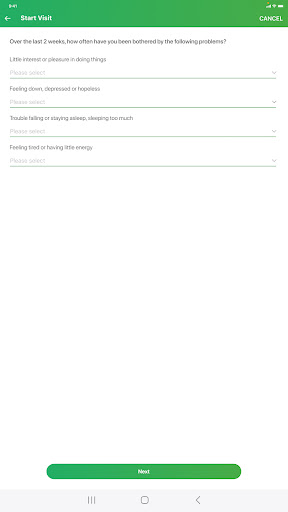
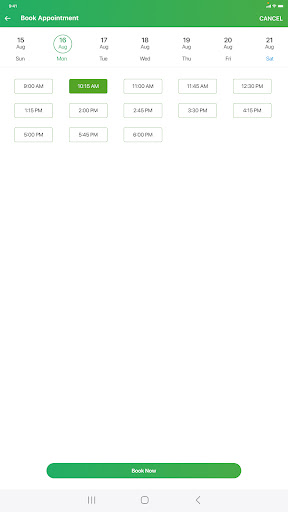
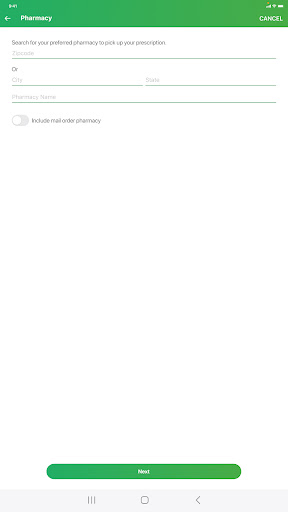
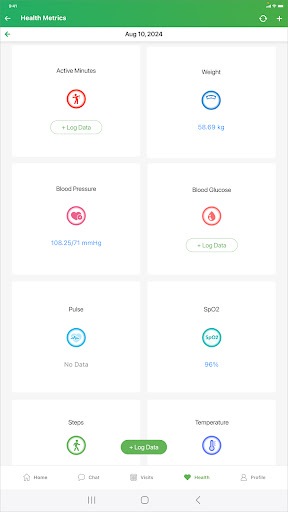

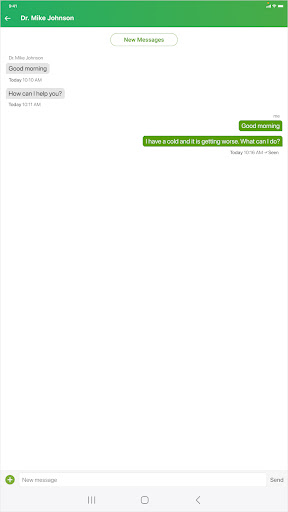
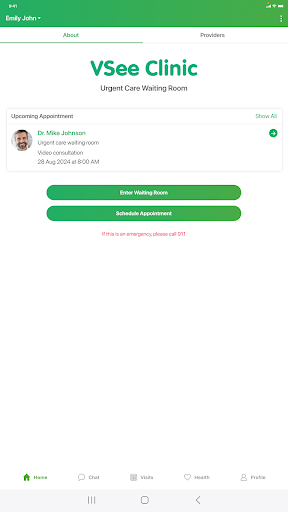
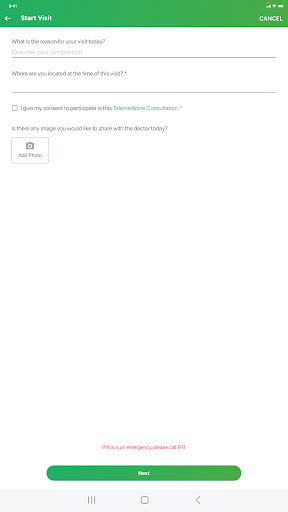
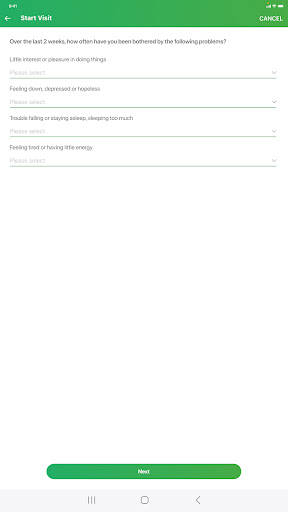
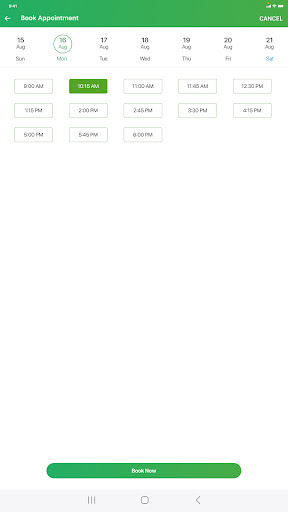
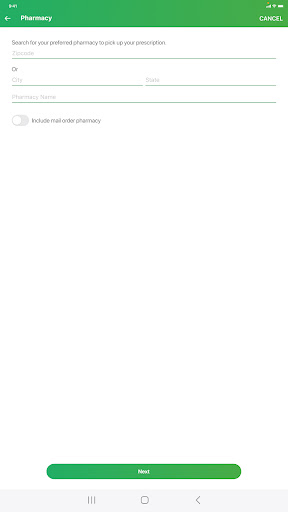
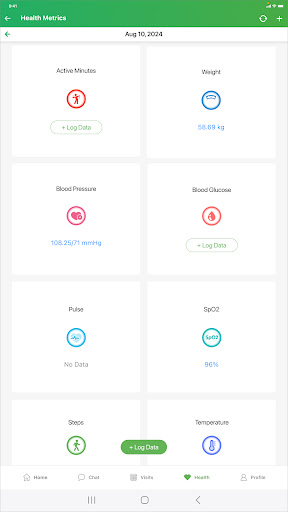

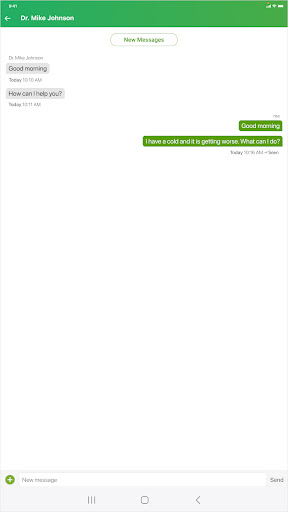
VSee Clinic for Patient is a reliable mobile app designed to connect patients with healthcare providers conveniently from their devices. As a user-friendly Android app, it offers a seamless app experience through its intuitive interface and comprehensive app features, making virtual medical consultations accessible and efficient for users seeking quality healthcare solutions.
This medical mobile app is ideal for patients seeking convenient access to healthcare services through their Android device. It suits busy individuals, seniors, or those with mobility challenges looking for reliable app experience.
Whether managing chronic conditions or seeking general advice, users who prefer digital solutions will find this app useful for their app features and seamless virtual care needs.
This Android app stands out by combining strong security, comprehensive app features, and a straightforward user experience. It offers an app-based solution that makes virtual healthcare easy and trustworthy.
By addressing common patient needs efficiently, it provides a reliable alternative to traditional clinics, making it a preferred choice for those valuing convenience and quality care through a trusted app experience.

 User-friendly interface
Secure and private communication
Convenient appointment scheduling
High-quality video consultations
Accessibility across devices
User-friendly interface
Secure and private communication
Convenient appointment scheduling
High-quality video consultations
Accessibility across devices

 Limited appointment availability
Occasional connectivity issues during calls
Lack of integration with existing health record systems
Restricted customer support hours
Limited language options outside English and Chinese
Limited appointment availability
Occasional connectivity issues during calls
Lack of integration with existing health record systems
Restricted customer support hours
Limited language options outside English and Chinese
To access this medical mobile app, you'll need to create an account or sign in using your existing credentials. The login process is straightforward and designed to ensure your health data stays secure.
Once logged in, you can easily manage your appointments, chat with healthcare providers, and access your medical records, all within this app based solution built for a seamless app experience.
Yes, this Android app employs robust security protocols to protect your privacy and health information. The developers prioritize safety to ensure your data remains confidential at all times.
As a trusted app based solution in the medical category, VSee Clinic for Patient adheres to healthcare standards and regulations, making it a reliable choice for your online medical needs.
This app features real-time video consultations, appointment scheduling, and secure messaging with healthcare providers. It's designed to improve your app experience by making healthcare more accessible.
Additional features include access to your medical records, prescription management, and the ability to use the app as your ultimate launcher app for quick health-related actions on your device.
Absolutely. This mobile app is optimized for Android devices, providing a smooth and intuitive app experience. It's suitable for users looking for a reliable app based solution for their healthcare needs.
The app is compatible with most Android versions and can be easily installed from the Google Play Store, making it accessible for many users seeking convenient healthcare options.
If you encounter issues, first ensure you have the latest version of the Android app installed. Restarting your device or reinstalling the app can often resolve minor glitches.
If problems persist, check your internet connection and settings, or contact support through the app for guidance. This helps maintain a positive app experience and ensures secure access to your health information.
Medscape
Medical
Meds & Pill Reminder MyTherapy
Medical
Farmacias del Ahorro
Medical
Dr. Blood Pressure: Diabetes
Medical
UnitedHealthcare
Medical
FollowMyHealth®
Medical
mySugr - Diabetes Tracker Log
Medical
Teladoc Health
Medical
Leafly: Find Cannabis and CBD
Medical
Blood Sugar Diary for Diabetes
Medical
GlassesOn | Pupils & Lenses
Medical
Sutter Health My Health Online
Medical











 Download From Google Play











