

 Home
Home
 Apps
Apps
 Games
Games
 Disclaimer
 Cookies & Privacy Policy
 Terms of Service

Version: Varies with device
Developer: 沈垚 / ShenYao China
 Trusted app
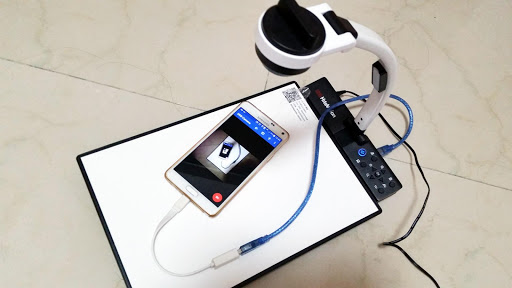
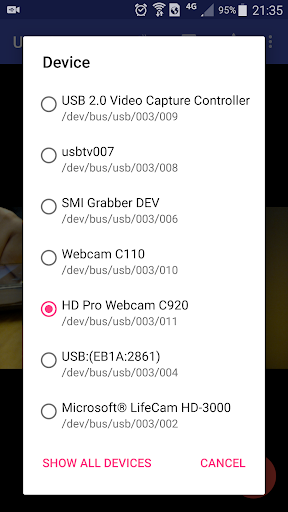
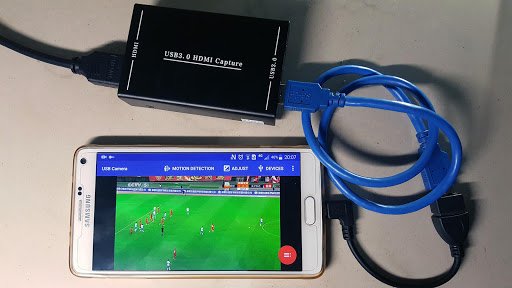
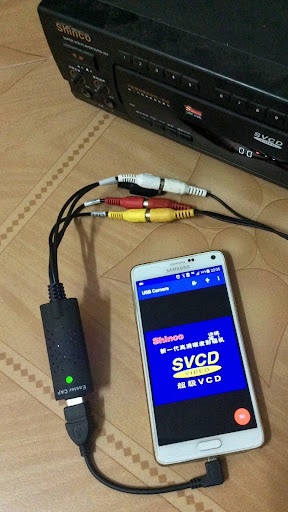
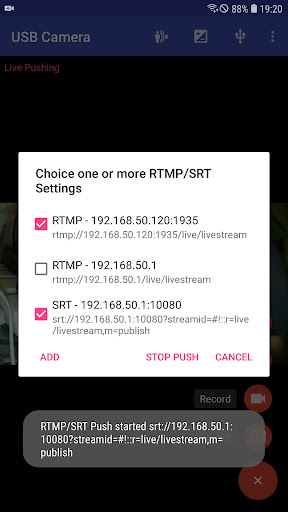
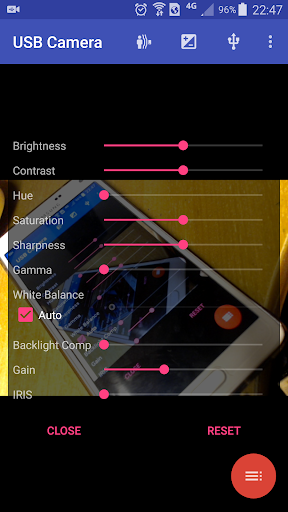
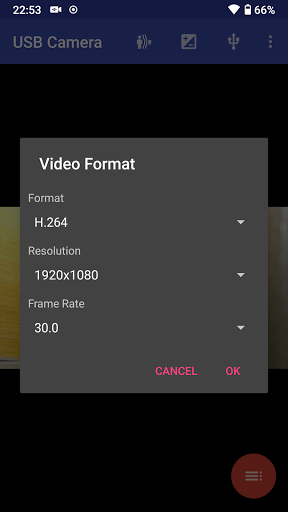
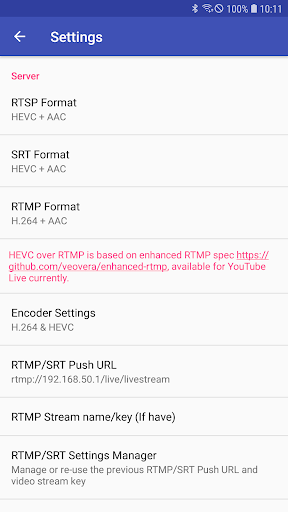
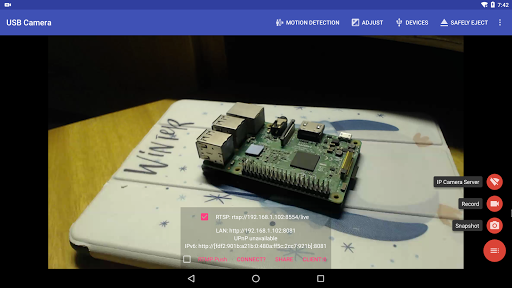
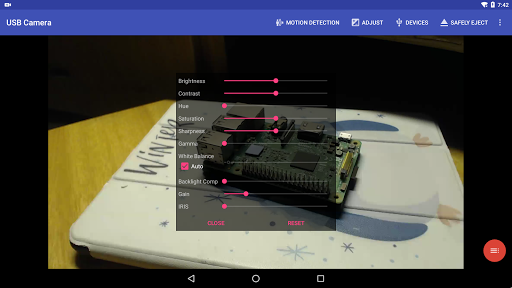
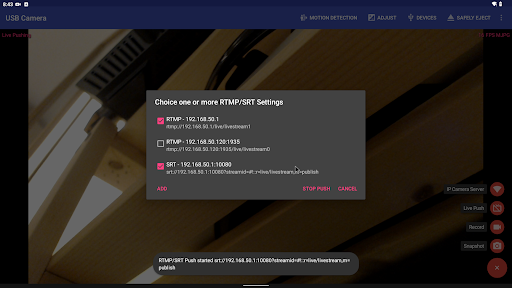
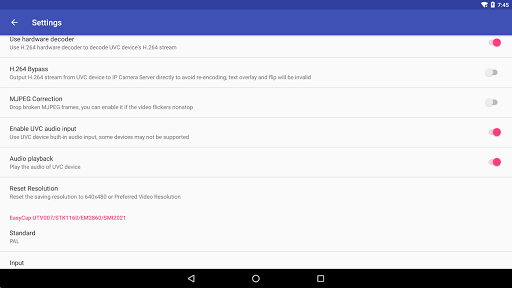
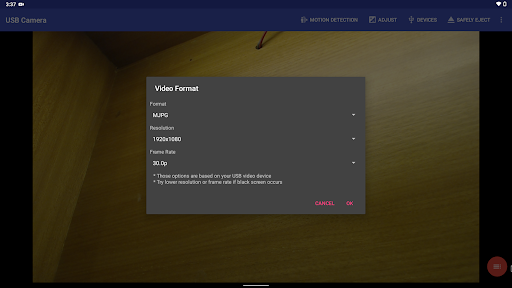
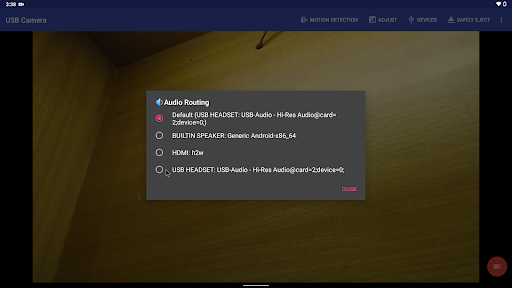
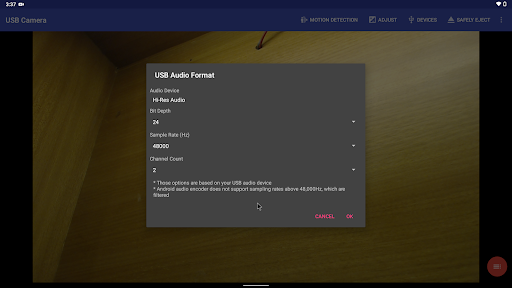
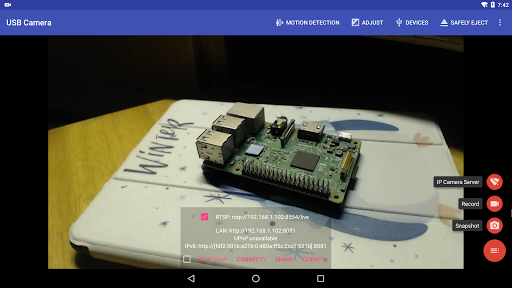

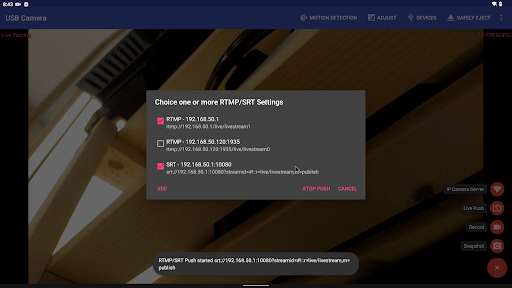
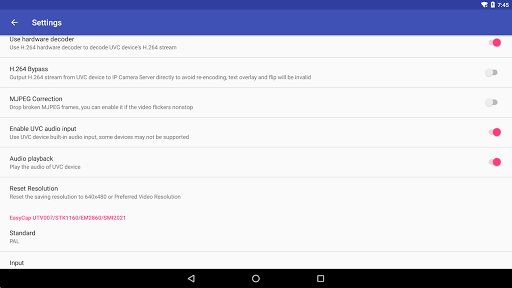
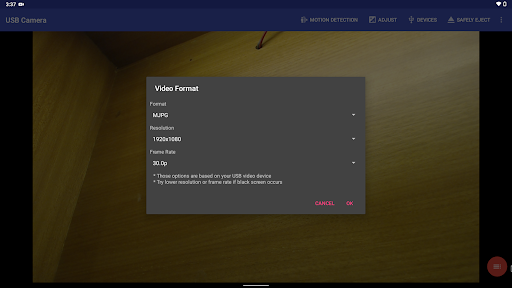
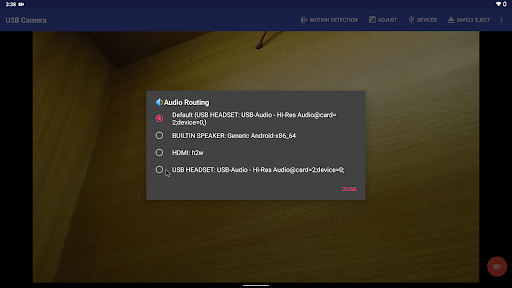
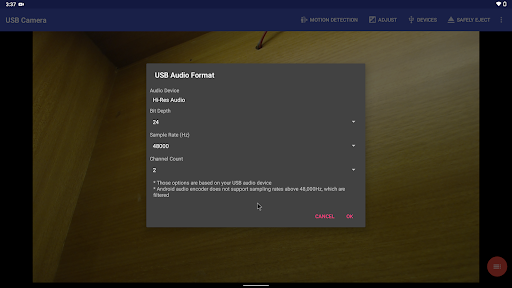
USB Camera is a versatile Android app designed to turn your device into a powerful video capturing and editing tool. It allows users to connect USB cameras and webcams to their smartphones or tablets, providing a seamless app experience. Whether you're recording videos, live streaming, or reviewing footage, this app offers a straightforward solution for users seeking an reliable app based solution for camera connectivity and editing on their mobile devices.
This mobile app is ideal for photography enthusiasts, content creators, and tech-savvy users who want to enhance their camera capabilities on Android devices. It's perfect for those seeking an app-based solution for live video capture and editing.
Whether you're a vlogger recording on the go or a professional needing reliable camera control, this app offers an easy-to-use platform to manage and customize your USB camera experience in various scenarios.
This Android app stands out with its user-friendly interface and robust app features that provide a flexible and dependable camera management solution. It offers a seamless app experience for users needing high-quality video recording and streaming.
By focusing on real-time control and versatile connectivity, this app-based solution addresses common camera setup challenges, making it a trustworthy choice for both casual users and professionals alike.

 High-Resolution Streaming
Multiple Camera Support
Easy-to-Use Interface
Flexible Recording Options
Regular Updates and Support
High-Resolution Streaming
Multiple Camera Support
Easy-to-Use Interface
Flexible Recording Options
Regular Updates and Support

 Limited Compatibility with Some Devices
Occasional Software Crashes
Basic Editing Features
Latency Issues in Wi-Fi Mode
Limited Customization Options
Limited Compatibility with Some Devices
Occasional Software Crashes
Basic Editing Features
Latency Issues in Wi-Fi Mode
Limited Customization Options
Yes, the USB Camera app is developed by a reputable developer and has been tested for safety. It does not contain malware or any harmful components, ensuring a secure app experience for users.
Always make sure to download apps from trusted sources like the Google Play Store to keep your device safe. This mobile app adheres to Google's safety standards, giving you peace of mind during your usage.
Installing the USB Camera app on your Android device is straightforward. Simply visit the Google Play Store and locate the app by searching its name or using the provided link. No complicated steps are involved.
Ensure your device has sufficient storage space and is connected to the internet. The app features are easy to access once installed, making it a handy app-based solution for your camera needs.
Yes, the USB Camera app is regularly updated to support the latest Android versions, ensuring compatibility across a wide range of devices. This keeps your app experience smooth and reliable.
Staying compatible with current Android OS updates helps maintain the app's stability and security. Developers prioritize compatibility to offer users a seamless and trustworthy launcher app experience.
Absolutely, the app is designed to work with most compatible USB cameras and devices. This app-based solution simplifies connecting your hardware for real-time video streaming or recording.
For optimal app experience, verify your hardware compatibility and ensure your device settings are correctly configured. This makes the USB Camera a practical choice for those looking for an effective video player or editor solution.
The app features include live video preview, adjustable camera settings, and easy file management. It is a versatile app that caters to users looking for a comprehensive video recording and editing solution.
Its user-friendly interface makes it simple to navigate through various app features, whether you're a casual user or someone needing a reliable app based solution for professional projects.
Yes, the app is designed with usability in mind, making it suitable for beginners and experienced users alike. Its straightforward interface offers an enjoyable app experience for all skill levels.
Learning how to use all the app features takes minimal time, and there are helpful guides available online. This makes it an accessible launcher app for anyone interested in photography or video editing.
If you experience issues with the USB Camera app, first ensure your device's software is up to date. Checking the app permissions and restarting your device can often resolve common problems.
If problems persist, consulting the app's FAQ or contacting support can help. Developers aim to provide a trustworthy app experience by offering prompt assistance and regular updates.
The USB Camera app offers core features that can be used offline once installed, making it a useful app-based solution for on-the-go recording and editing. However, some functionalities such as updates or sharing may need an internet connection.
This flexibility allows you to rely on the app even without constant internet access, enhancing your overall app experience and making it a versatile tool for video and camera editing tasks.
Kwai - Cool Video & Social Fun
Video Players & Editors
PLAYit-All in One Video Player
Video Players & Editors
KineMaster - Video Editor
Video Players & Editors
VivaVideo - Video Cut & Editor
Video Players & Editors
Video to MP3 - Video to Audio
Video Players & Editors
GIPHY: GIFs, Stickers & Clips
Video Players & Editors
Video Downloader - Story Saver
Video Players & Editors
Video Player All Format HD
Video Players & Editors
GIF Keyboard by Tenor
Video Players & Editors
Kodi
Video Players & Editors
X Sexy Video Downloader
Video Players & Editors
EasyCut - Video Editor & Maker
Video Players & Editors











 Download From Google Play











