

 Home
Home
 Apps
Apps
 Games
Games
 Disclaimer
 Cookies & Privacy Policy
 Terms of Service
Version: 4.2.4
Developer: Rushikesh Kamewar
 Trusted app
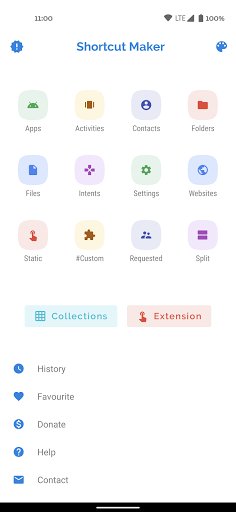
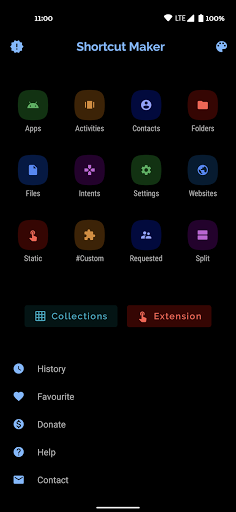
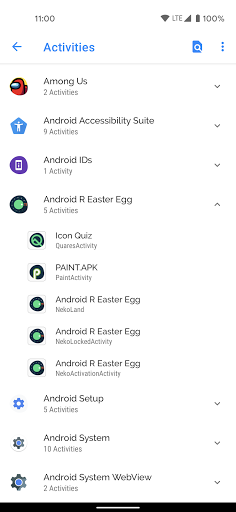
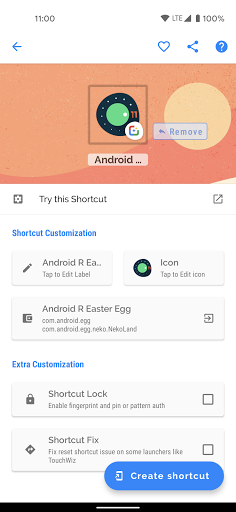
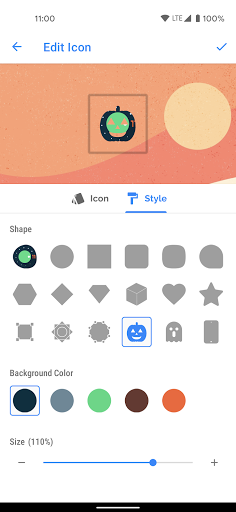
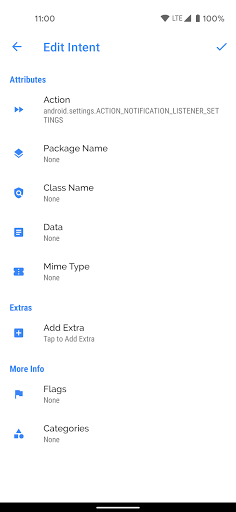
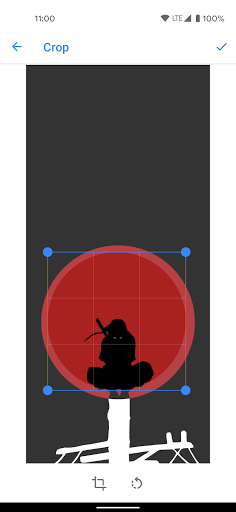
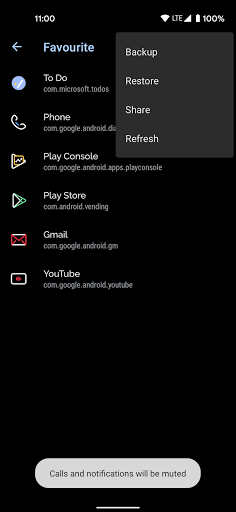
Shortcut Maker is a versatile Android app designed to simplify navigation by creating custom shortcuts on your device. As a well-crafted launcher app, it enhances your app experience by allowing quick access to frequently used functions and apps, making your mobile device more personalized and efficient.
This mobile app is ideal for Android users who want more control over their device customization, especially those looking for a simple way to organize apps and actions efficiently. It caters to tech-savvy individuals and casual users alike seeking a personalized app experience.
If you often switch between multiple apps or need quick access to specific functions, this app-based solution helps streamline your daily routine. It's perfect for anyone wanting a more intuitive launcher app that adapts to their unique usage patterns.
This Android app stands out with its user-friendly interface and robust app features, making customization straightforward for all users. It offers an efficient way to enhance your app experience and personalize your device effortlessly.
By focusing on ease of use and comprehensive shortcut management, this app provides a reliable app experience. It addresses common frustrations with launcher apps and delivers a solution that is both functional and trustworthy.

 User-friendly interface
Deep customization options
Wide compatibility
Multi-language support
Automation capabilities
User-friendly interface
Deep customization options
Wide compatibility
Multi-language support
Automation capabilities

 Limited free features
Occasional app crashes
Learning curve for advanced features
Limited support for some third-party apps
Battery consumption
Limited free features
Occasional app crashes
Learning curve for advanced features
Limited support for some third-party apps
Battery consumption
Yes, the Shortcut Maker app is developed with user safety in mind. It doesn't require unnecessary permissions and has been tested to ensure a secure app experience. Always download from trusted sources like the Google Play Store to avoid any issues.
Installing this Android app is straightforward. Simply visit the Google Play Store and tap the install button. Once installed, you can start customizing your launcher app and creating shortcuts to enhance your app features and overall experience.
Absolutely! Shortcut Maker provides a wide range of app-based solutions for customizing your shortcuts. You can personalize icons, labels, and even create quick actions, making your app experience more efficient and tailored to your preferences.
Yes, Shortcut Maker is regularly updated to ensure compatibility with the latest Android versions. Staying current means you get the most out of its app features and a smooth app experience without compatibility issues.
There are several launcher apps available, but Shortcut Maker stands out because of its user-friendly interface and flexible app-based solutions. It's trusted by many users for simplifying customization without compromising device performance.
First, ensure you have the latest version of Shortcut Maker installed. If problems persist, restarting your device might help. You can also check app permissions and update your device software for a better app experience.
Currently, Shortcut Maker is primarily designed for Android devices. If you're looking for similar functionality on iOS, you'd need to explore alternative apps compatible with Apple devices, as this app does not support iPhone or iPad.
By allowing you to create customized shortcuts and icons, Shortcut Maker offers a more personalized and efficient app experience. It's a helpful app-based solution for managing your apps more swiftly and comfortably on your Android device.
Zedge™ Wallpapers & Ringtones
Personalization
LED Keyboard: Colorful RGB
Personalization
Pixel 4D™ Live Wallpapers
Personalization
Launcher OS™
Personalization
Microsoft Launcher
Personalization
Edge Lighting - Borderlight
Personalization
Themes
Personalization
Themepack - App Icons, Widgets
Personalization
Wallpapers HD - Backgrounds 4K
Personalization
Make Money: Play & Earn Cash
Personalization
Fonts Keyboard Themes & Emoji
Personalization
ThemeKit - Themes & Widgets
Personalization











 Download From Google Play











