

 Home
Home
 Apps
Apps
 Games
Games
 Disclaimer
 Cookies & Privacy Policy
 Terms of Service

Version: 12.4.1.2
Developer: rafalense
 Trusted app
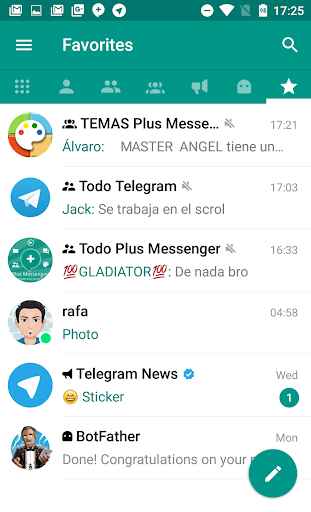
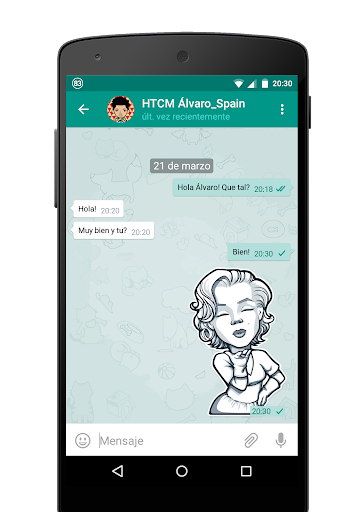
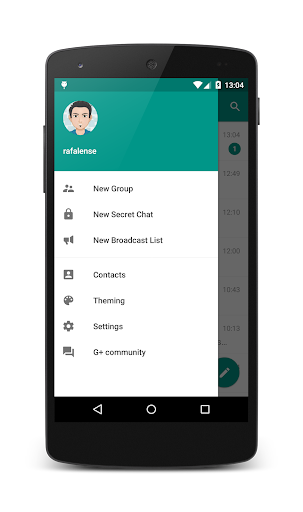
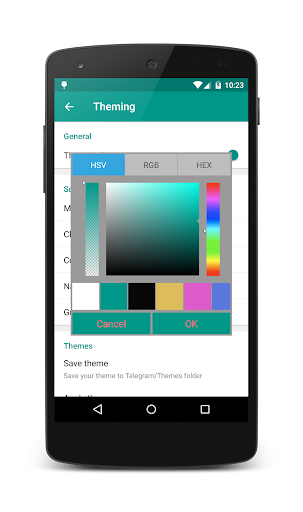
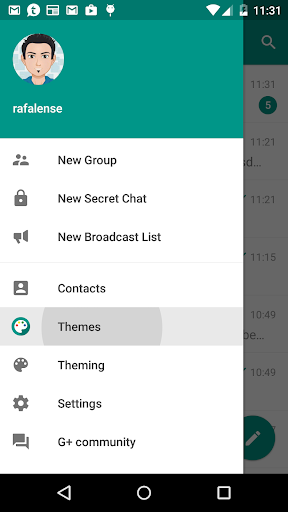
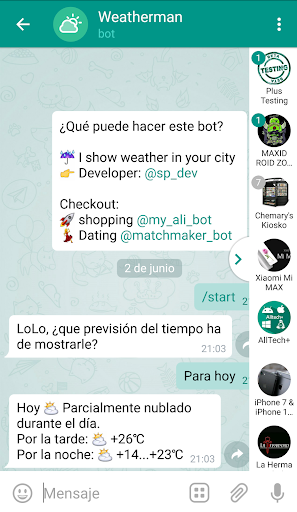
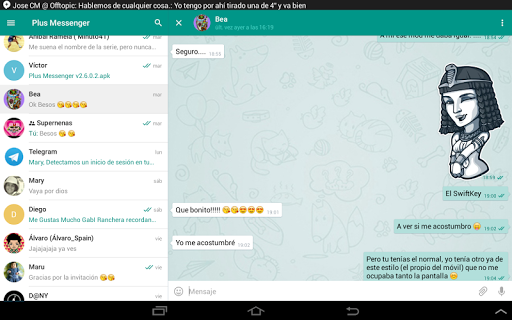
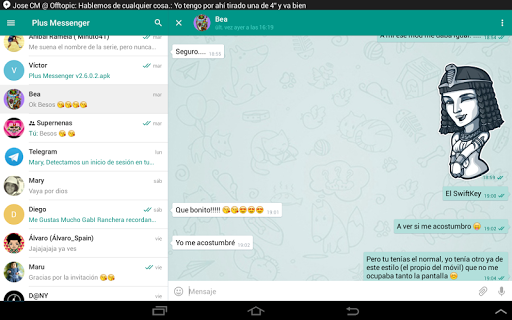
Plus Messenger is a versatile communication mobile app that serves as an excellent alternative to traditional messaging platforms. Designed for Android devices, this app offers a rich set of features that enhance your messaging experience. With a user-friendly interface and customizable options, Plus Messenger provides a reliable app-based solution for staying connected with friends and family, ensuring seamless communication across various devices.
This mobile app is ideal for individuals of all ages who want secure, reliable communication. It's perfect for those tired of intrusive ads and seeking a privacy-focused messaging solution.
Whether you're a busy professional, a student, or someone who values straightforward app experience, this app-based solution makes staying connected simple, secure, and customizable for everyday use.
This Android app offers a robust set of app features designed to deliver a superior app experience. Its emphasis on security, real-time sync, and user privacy makes it stand out among communication tools.
What sets it apart is its combination of secure messaging and flexible customization, creating a dependable app-based solution for seamless and private communication in daily life.

 Extensive customization options
Enhanced privacy features
Offline message management
Faster updates with new features
Compatibility with official Telegram accounts
Extensive customization options
Enhanced privacy features
Offline message management
Faster updates with new features
Compatibility with official Telegram accounts

 Lack of official support and updates
Potential security concerns
Limited official documentation
Compatibility issues with some devices
Risk of app suspension
Lack of official support and updates
Potential security concerns
Limited official documentation
Compatibility issues with some devices
Risk of app suspension
Yes, Plus Messenger is considered a safe and secure mobile app. It is based on the well-known Telegram platform and uses encryption to protect your privacy. Always ensure you download it from trusted sources like the Google Play Store.
While using this app-based solution, it's important to keep your device's security features active. Regular updates also help maintain security and ensure you have access to the latest app features and improvements.
Installing Plus Messenger is straightforward, whether you're using an Android app or a different device. Visit the Google Play Store link for the latest version or authorized sources for other devices. The app features an easy setup process.
Once installed, you'll need to verify your phone number, similar to other messaging apps. This ensures a smooth app experience and keeps your chats private and secure.
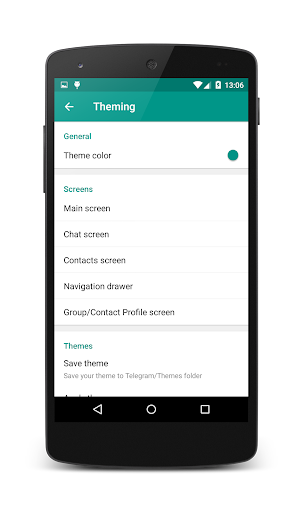
Absolutely! Plus Messenger offers various customization options, making it a popular launcher app among users who prefer a personalized experience. You can change themes, chat backgrounds, and notification settings to suit your style.
This flexibility enhances the overall app experience, allowing you to tailor the app based on your preferences. Customizations are simple to apply and add a unique touch to your everyday communication.
Yes, Plus Messenger supports logging into multiple devices, enabling you to stay connected across your phone, tablet, or other devices. This feature makes it convenient to manage your chats from different platforms.
Keep in mind that syncing your data securely is crucial for a trustworthy app experience. Plus Messenger ensures your messages are protected while allowing seamless access across devices.
Plus Messenger is packed with app features designed for enhanced communication. It offers high customization, privacy controls, and media sharing options, making it a popular choice for those seeking a reliable messaging app.
The app features include group chats, secret chats, and the ability to hide or lock chats, providing a secure app experience. Its open-source nature also assures users of transparency and trustworthiness.
No, Plus Messenger does not display ads, which contributes to a better app experience. Its focus remains on providing smooth and secure communication without unnecessary interruptions.
This aspect makes it an appealing choice for users who prioritize privacy and a clutter-free interface in their communication apps.
The developers behind Plus Messenger regularly release updates that include new features, security enhancements, and bug fixes. Staying current ensures your app experience remains smooth and trustworthy.
It's always recommended to keep your app updated via trusted sources to benefit from the latest improvements in the app features and security protections.
Like most messaging apps, Plus Messenger requires an active internet connection to send and receive messages. However, you can access certain app features offline, such as viewing saved media or previous chats.
This makes it a handy app-based solution for staying connected and managing your communication efficiently, especially in areas with limited connectivity.
Contacts
Communication
Carrier Services
Communication
Opera Mini: Fast Web Browser
Communication
Zangi Private Messenger
Communication
Whoscall: Safer Together
Communication
Plus Messenger
Communication
WAMR: Reveal deleted messages!
Communication
Messenger SMS - Text Messages
Communication
JusTalk Kids - Safe Messenger
Communication
Call Blocker - Block Numbers
Communication
Whitepages Search, Find People
Communication
Burner: Second Phone Number
Communication











 Download From Google Play










