

 Home
Home
 Apps
Apps
 Games
Games
 Disclaimer
 Cookies & Privacy Policy
 Terms of Service

Version: 5.45
Developer: Hippo Games AM
 Trusted app
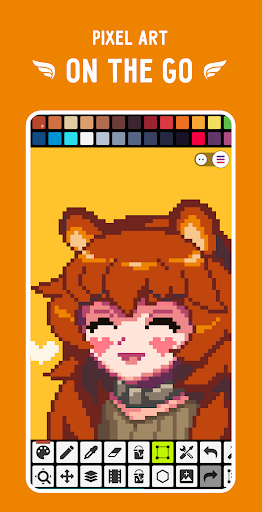
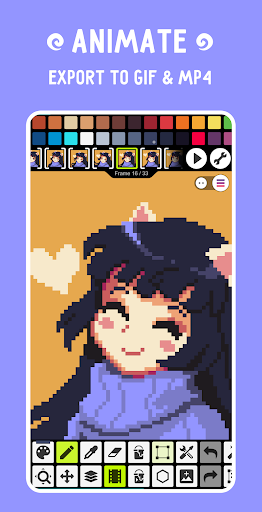
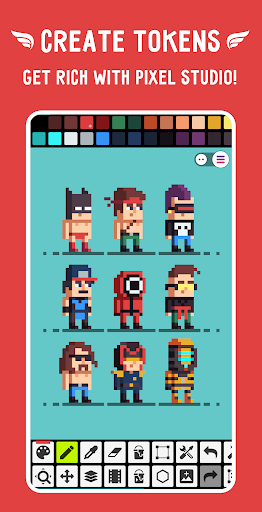
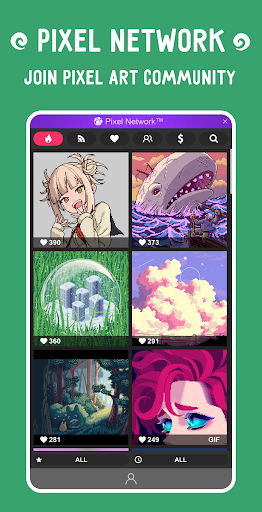
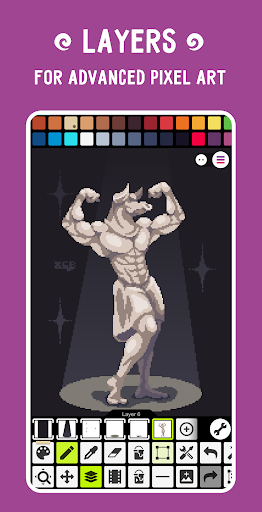
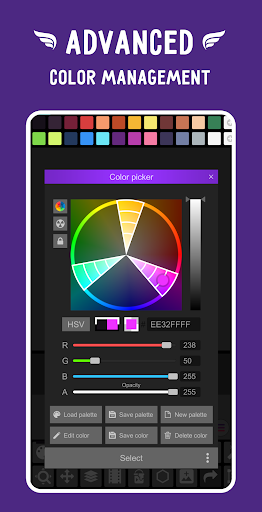
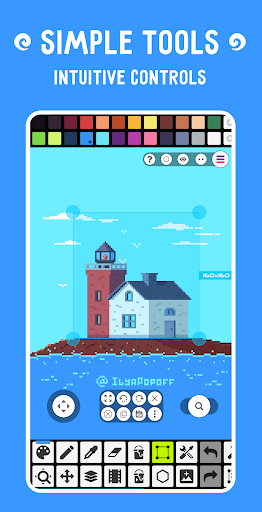
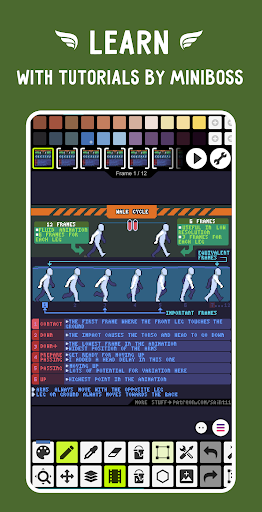
Pixel Studio: pixel art editor is a user-friendly Android app designed for creating stunning pixel art and animations. With its intuitive interface, it offers enthusiasts and artists a versatile app experience tailored to crafting detailed pixel images easily on any mobile device. Whether you're a beginner or a seasoned designer, this art & design mobile app provides powerful tools to bring your pixel creations to life.
This app is perfect for pixel art enthusiasts, game developers, and graphic design hobbyists who enjoy creating detailed visuals on their Android devices. It's ideal for users ranging from beginners to seasoned artists.
Whether you're designing game sprites or crafting unique pixel illustrations, this app-based solution offers the tools and features needed to bring your ideas to life. Its straightforward app experience makes it easy for anyone to start creating right away.
This Android app stands out with its comprehensive app features tailored for pixel art creation, delivering a high-quality app experience. It provides an efficient, reliable app-based solution for digital artists.
Designed with user needs in mind, it simplifies complex tasks and offers real-time feedback, making it a top choice among similar apps. Its focus on ease of use and robust tools makes it a trusted option for pixel artists seeking a dependable launcher app.

 Intuitive Pixel Creation Tools
Layer Support and Animation Features
Rich Color Palette Options
Cross-Platform Compatibility
Export in Multiple Formats
Intuitive Pixel Creation Tools
Layer Support and Animation Features
Rich Color Palette Options
Cross-Platform Compatibility
Export in Multiple Formats

 Limited Advanced Tools
Performance Issues with Large Files
UI Can Be Cluttered for Beginners
Limited Cloud Storage Options
Need for Better Tutorial Resources
Limited Advanced Tools
Performance Issues with Large Files
UI Can Be Cluttered for Beginners
Limited Cloud Storage Options
Need for Better Tutorial Resources
Yes, Pixel Studio is designed to work smoothly on most recent Android versions. However, for best performance, using a device with the latest update enhances your app experience and ensures access to all app features without glitches.
FlipaClip: Draw 2D Animation
Art & Design
AI Photo Editor: BG Remover
Art & Design
Adobe Capture: Illustrator,Ps
Art & Design
Tayasui Sketches
Art & Design
Concepts: Sketch, Note, Draw
Art & Design
Paint
Art & Design
Bazaart AI Photo Editor Design
Art & Design
VistaCreate: Graphic Design
Art & Design
Leonardo.Ai - Image Generator
Art & Design
ArtLoop: Learn how to draw
Art & Design
Tattoo Simulator Tattoo Maker
Art & Design
Figma: view. comment. mirror.
Art & Design











 Download From Google Play











