

 Home
Home
 Apps
Apps
 Games
Games
 Disclaimer
 Cookies & Privacy Policy
 Terms of Service

Version: 1.1.71
Developer: Tap AI
 Trusted app
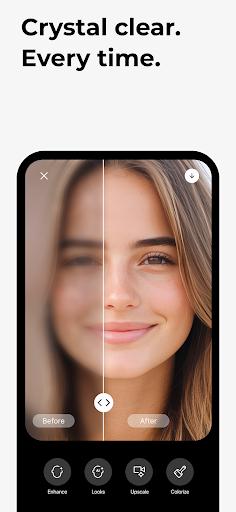
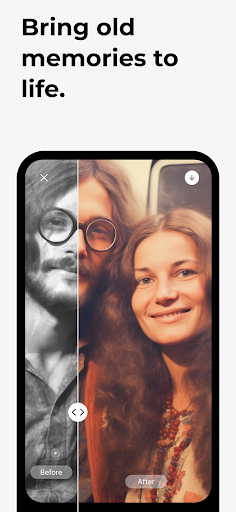
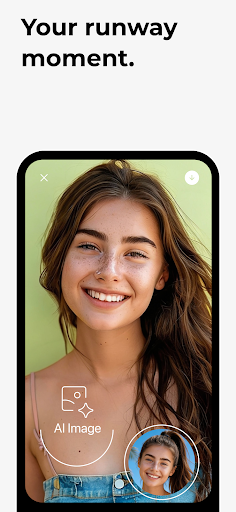
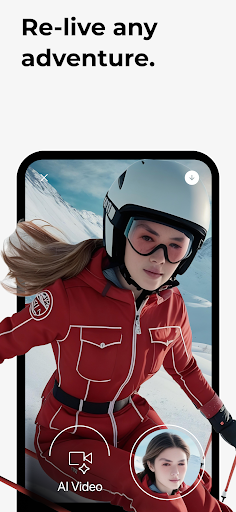
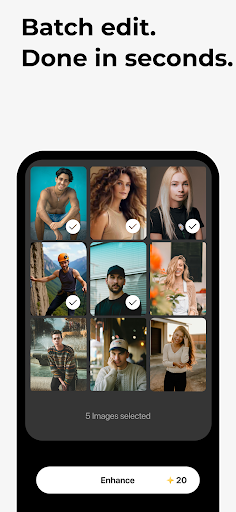
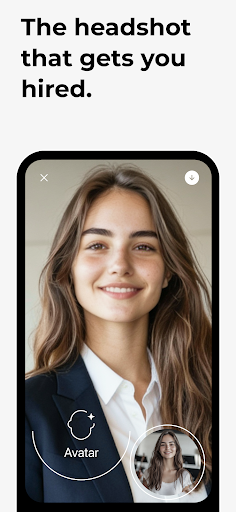
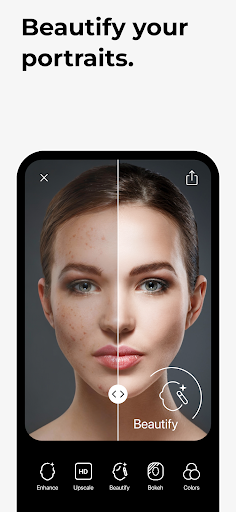
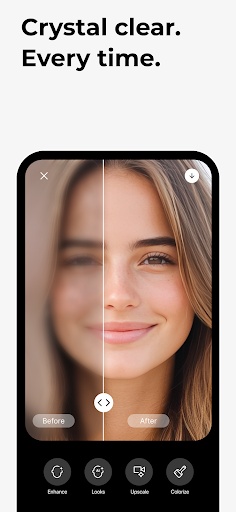
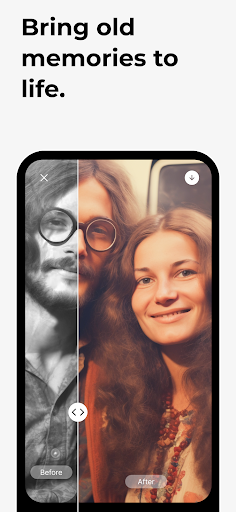
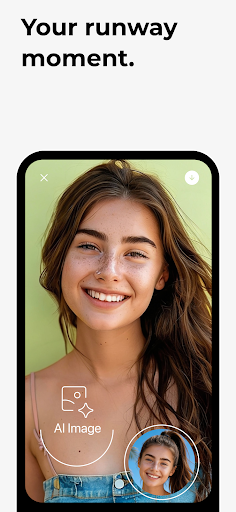
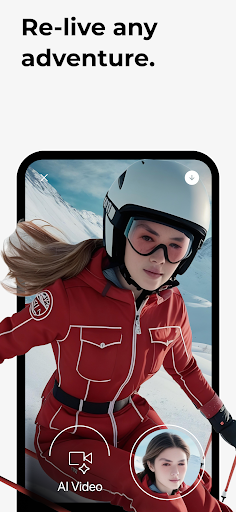
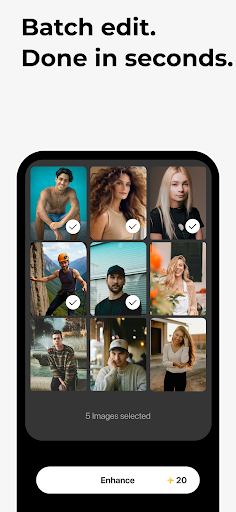
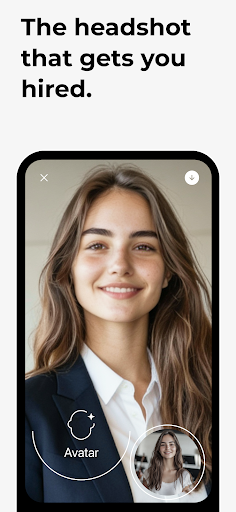
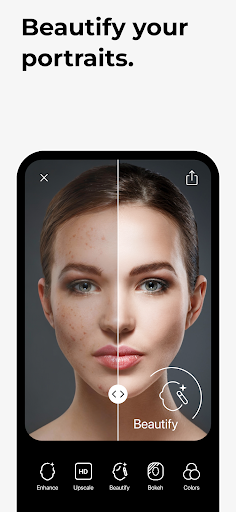
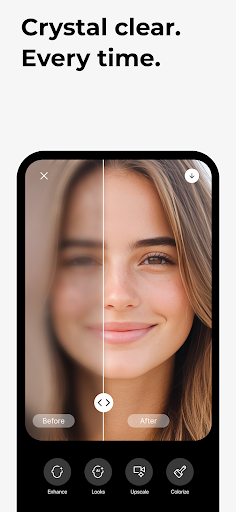
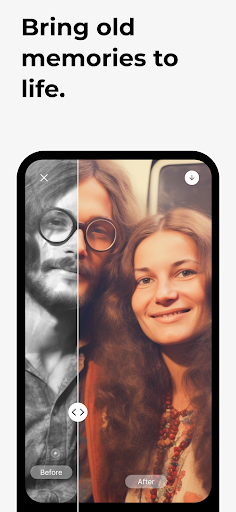
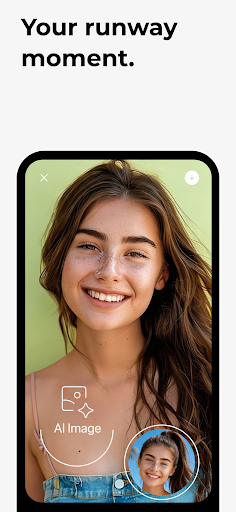
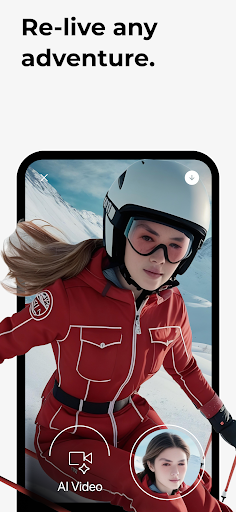
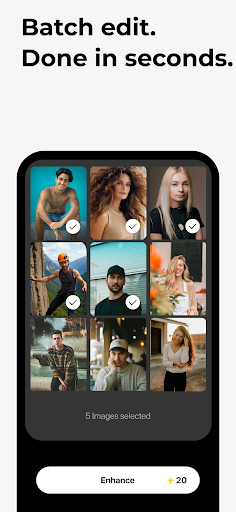
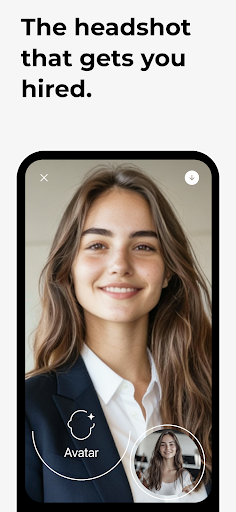
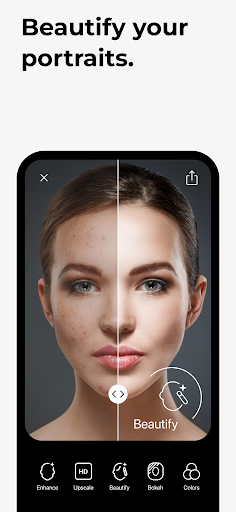
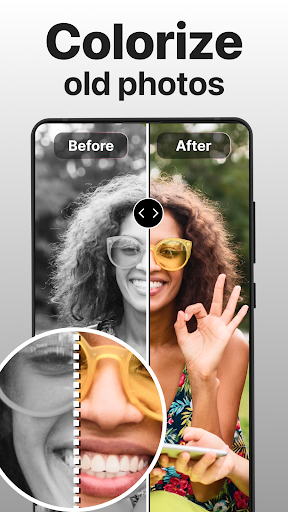
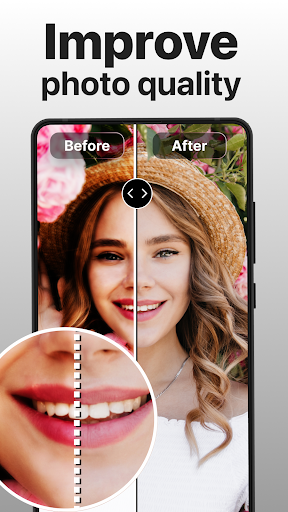
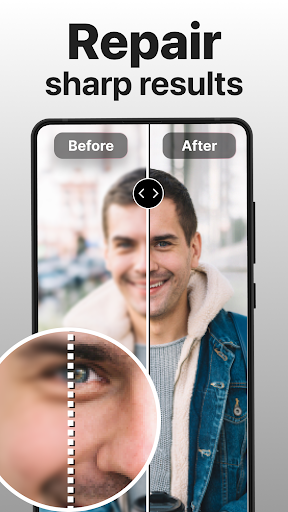
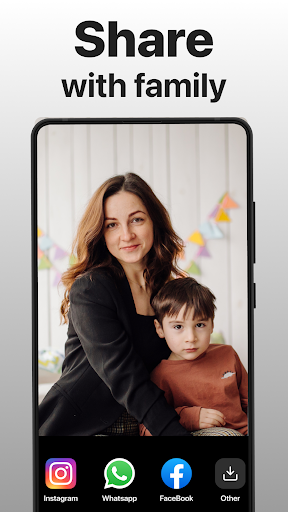
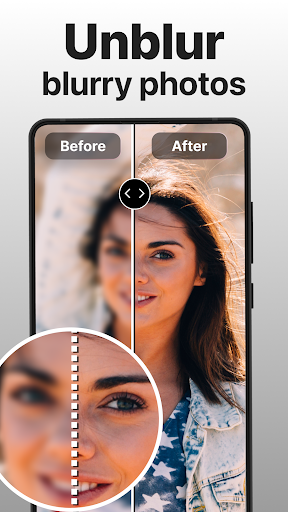
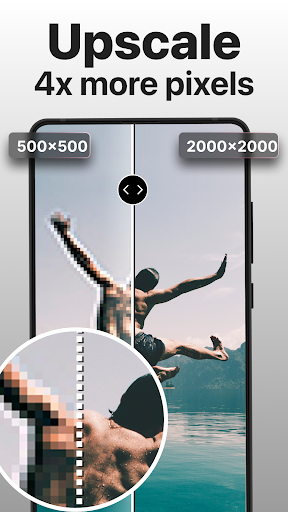
PhotoBoost - AI Photo Enhancer is a user-friendly mobile app designed to improve and restore your photos effortlessly. Whether you're looking to enhance image quality or restore old pictures, this Android app offers powerful features that deliver professional results, making it a valuable tool for anyone interested in high-quality photo editing and enhancement.
This mobile app is perfect for photography enthusiasts, social media users, and casual photographers ages 15 to 50 who want quick, high-quality photo enhancements. It appeals to users seeking an efficient app experience for improving images on their smartphones.
Whether you're a content creator, traveler, or everyday user looking for an app-based solution to restore and enhance photos, this Android app offers the tools you need. It fits well with those wanting professional-looking images without complicated software or expensive editing tools.
This app provides powerful app features that deliver professional-quality results easily, making it stand out among other photo enhancers. Its AI-based solution ensures top-notch image quality with minimal effort, saving users time and frustration.
Designed for a smooth app experience, PhotoBoost combines reliability, advanced technology, and user-friendly design. It offers a trustworthy, efficient alternative for those seeking an intuitive Android app for enhancing their photography quickly and effectively.

 Exceptional AI-enhanced image quality
User-friendly interface
Fast processing speed
Versatile enhancement options
Effective noise reduction
Exceptional AI-enhanced image quality
User-friendly interface
Fast processing speed
Versatile enhancement options
Effective noise reduction

 Occasional over-sharpening artifacts
Limited free usage and features
Dependent on internet connection
Possible color inconsistencies
occasional struggles with complex backgrounds
Occasional over-sharpening artifacts
Limited free usage and features
Dependent on internet connection
Possible color inconsistencies
occasional struggles with complex backgrounds
Yes, the PhotoBoost mobile app is designed with user-friendliness in mind, making it suitable even for those new to photo editing. Its intuitive interface guides you through the enhancement process smoothly.
With clear instructions and simple app features, beginners can quickly learn how to improve their photos on both Android and iOS devices. The app experience is built to be accessible for everyone interested in editing photos with ease.
Absolutely. PhotoBoost - AI Photo Enhancer is a trusted app that prioritizes user privacy and data security. It operates as a reliable app-based solution, ensuring your photos are protected during editing sessions.
Regular updates and transparent privacy policies make this Android app a trustworthy choice for enhancing photos without worries about security breaches or data misuse.
The app features advanced AI technology that automatically enhances photo quality, restoring details and improving clarity. It also offers user-friendly tools like noise reduction, color correction, and sharpening, all within a simple interface.
Designed as a comprehensive launcher app for your photo library, it provides an efficient app experience. Its quick processing speeds and high-quality results make it a popular choice among users seeking reliable app features.
Definitely. PhotoBoost is fully compatible with Android devices, offering a seamless app experience for users across various models. Its optimized design ensures reliable performance on most Android smartphones and tablets.
This Android app provides a straightforward way to enhance your photos quickly, making it an excellent app-based solution for mobile photo editing on the go.
Yes, PhotoBoost is available on both the Google Play Store and Apple App Store, adhering to strict security standards. It has been reviewed and approved, ensuring safety for users downloading from official sources.
You can trust this app as a secure and reliable mobile app for enhancing your photos, with regular updates to maintain its safety and app features.
B612 AI Photo&Video Editor
Photography
FaceApp: Perfect Face Editor
Photography
Video Editor & Maker - InShot
Photography
PhotoDirector: AI Photo Editor
Photography
Beauty Camera -Selfie, Sticker
Photography
PhotoScan by Google Photos
Photography
Galleryit - Photo Vault, Album
Photography
Private Photo Vault - Keepsafe
Photography
Hypic - Photo Editor & AI Art
Photography
Sticker Maker - WAStickers
Photography
PixVerse: AI Video Generator
Photography
Timestamp Camera
Photography











 Download From Google Play
 Download From App Store











