

 Home
Home
 Apps
Apps
 Games
Games
 Disclaimer
 Cookies & Privacy Policy
 Terms of Service

Version: 6.251202.0.1175610
Developer: Microsoft Corporation
 Trusted app
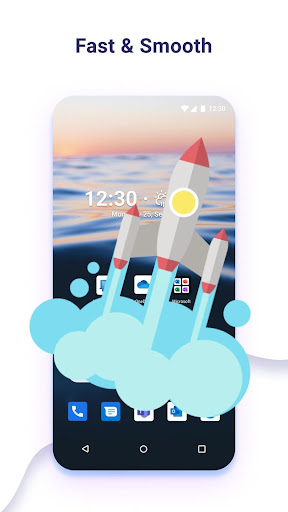
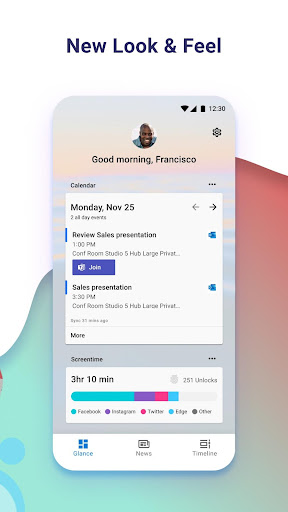
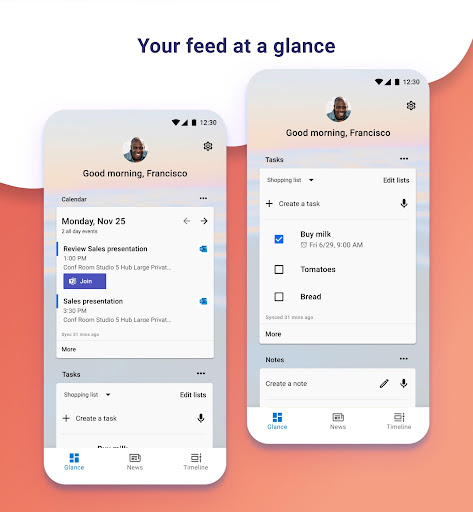
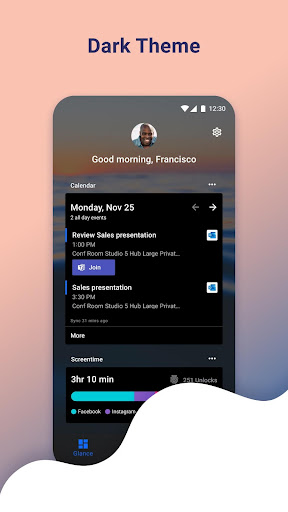
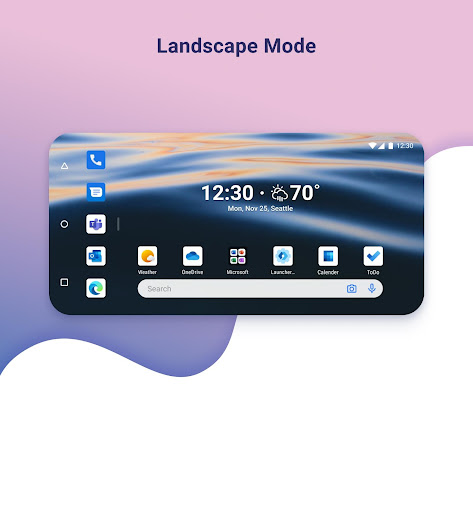
Microsoft Launcher is a versatile mobile app designed to personalize and enhance your Android experience. As a trusted launcher app, it offers a customizable home screen, seamless app organization, and quick access to your favorite features. Its intuitive interface helps users stay productive and enjoy a more tailored smartphone experience.
This mobile app is ideal for Android users who want a personalized and efficient launcher app to improve daily device use. It suits tech-savvy individuals and busy professionals seeking better organization.
Whether you prefer a clean home screen or need quick access to important files, this app-based solution enhances your app experience through intuitive features designed for various scenarios.
This launcher app stands out because of its high level of customization and smooth app features that enhance overall user engagement. It offers a reliable app experience tailored to individual needs.
By addressing common frustrations like clutter and slow navigation, it provides an effective app-based solution that simplifies device management and improves productivity, making it a top choice among launcher apps.

 Highly customizable interface
Seamless integration with Microsoft services
Smart notifications and app suggestions
Efficient app management and quick search
Regular updates improve stability and add features
Highly customizable interface
Seamless integration with Microsoft services
Smart notifications and app suggestions
Efficient app management and quick search
Regular updates improve stability and add features

 Battery consumption can be higher than stock launchers
Customization options might be overwhelming for some users
Occasional lag or slow response on low-end devices
Limited themes compared to other launchers
Initial setup process can be time-consuming
Battery consumption can be higher than stock launchers
Customization options might be overwhelming for some users
Occasional lag or slow response on low-end devices
Limited themes compared to other launchers
Initial setup process can be time-consuming
Yes, Microsoft Launcher is a trusted Android app developed by a major tech company. It adheres to safety standards and is regularly updated to keep your device secure. You can confidently rely on it as your launcher app.
Being available on the Google Play Store ensures that the app undergoes security checks before public release. Using this app based solution helps enhance your mobile experience without compromising your device's safety.
Installing Microsoft Launcher is straightforward. You can find it in the Google Play Store by searching for the app name. Once located, tap on the install button to start the process.
After installation, you'll be guided through initial setup steps to personalize your app experience. It's a popular launcher app known for its customization options and smooth user interface.
Definitely! Microsoft Launcher offers a variety of app features that let you personalize your home screen, app icons, and themes. This makes it easier to create a mobile experience tailored to your style.
The app enhances your experience by allowing widgets, wallpapers, and layout adjustments. It's a reliable app based solution that maximizes your device's potential for a more intuitive user interface.
Yes, one of the key app features of Microsoft Launcher is its ability to sync settings and preferences across devices. This helps maintain a consistent app experience on all your Android devices or when switching phones.
Syncing ensures your customized layout, bookmarks, and app configurations are easily accessible wherever you are, making it a trustworthy option for users seeking a seamless launcher app experience.
Microsoft Launcher is compatible with most recent Android versions, including Android 6.0 and above. It's designed to work smoothly on a wide range of devices, enhancing your mobile app experience effectively.
If you experience compatibility issues, checking for the latest updates or your device's software version can often resolve problems. This app based solution is built to be versatile and reliable across different Android devices.
Zedge™ Wallpapers & Ringtones
Personalization
LED Keyboard: Colorful RGB
Personalization
Pixel 4D™ Live Wallpapers
Personalization
Launcher OS™
Personalization
Microsoft Launcher
Personalization
Edge Lighting - Borderlight
Personalization
Themes
Personalization
Themepack - App Icons, Widgets
Personalization
Wallpapers HD - Backgrounds 4K
Personalization
Make Money: Play & Earn Cash
Personalization
Fonts Keyboard Themes & Emoji
Personalization
ThemeKit - Themes & Widgets
Personalization











 Download From Google Play










