Home
Home
 Apps
Apps
 Games
Games
 Disclaimer
 Cookies & Privacy Policy
 Terms of Service

Version: 1.208.0
Developer: Magic Tavern, Inc.
 Trusted app
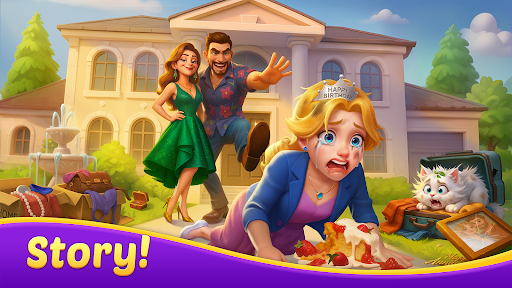
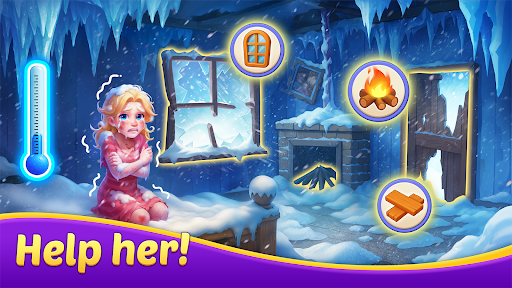
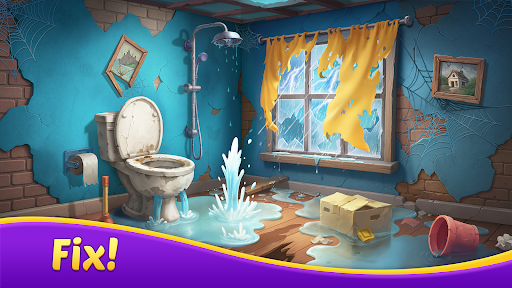
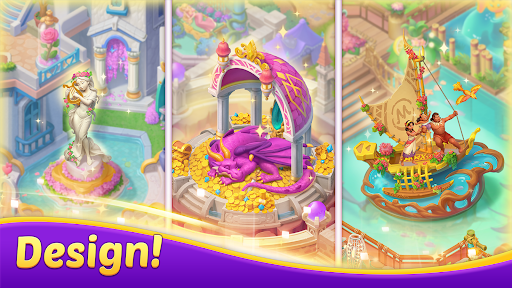
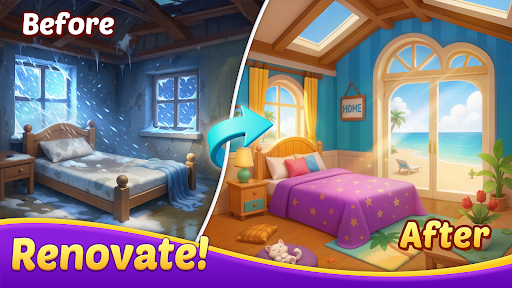
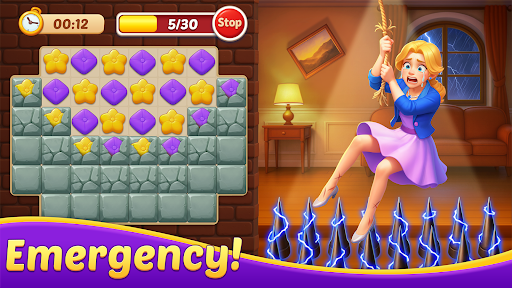
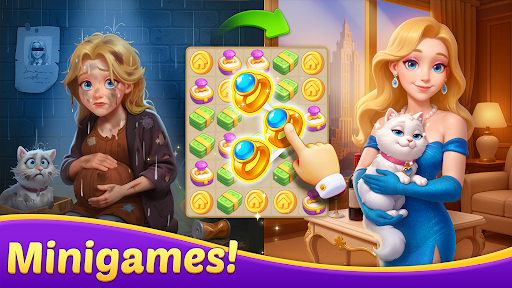
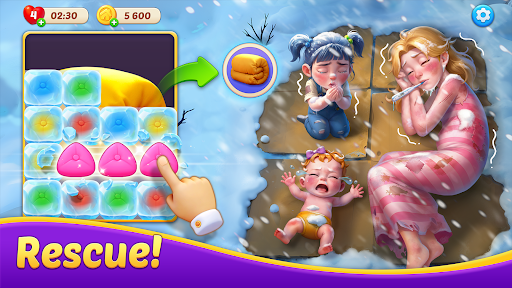
Matchington Mansion is a mobile app that combines home renovation with a unique match-3 puzzle gameplay. Players restore and decorate a grand mansion by solving hundreds of challenging levels, unlocking new rooms, and selecting from a vast range of furniture and decor items to reflect their personal style. This Android app offers a rich story-driven app experience with engaging events and social features.
This mobile app suits casual gamers, typically adults in their 20s to 40s, who enjoy relaxing puzzle games with a creative twist. People who love decorating homes or playing interior design simulators will find it especially engaging.
It fits well for unwinding after work, during commutes, or as a light break between tasks. Players who prefer a slower-paced, creative outlet over competitive action games will get the most out of this app-based solution.
Unlike plain match-three titles, this Android app blends brain-teasing puzzles with tangible, visual rewards. Every level you clear lets you see your mansion transform, which gives a satisfying sense of accomplishment that most puzzle games lack.
The game stands out because it pairs accessible mechanics with deep customization options. You get a structured challenge and creative freedom in one package, making it a solid choice for anyone tired of repetitive puzzle apps that offer little beyond score chasing.

 Polished match-3 mechanics
Engaging home renovation meta
Generous early-game rewards
Charming art and character design
Offline-friendly sessions
Polished match-3 mechanics
Engaging home renovation meta
Generous early-game rewards
Charming art and character design
Offline-friendly sessions

 Aggressive monetization after level 100
Repetitive event overload
Limited daily free energy
Dialogues can drag on
Slight asset reuse in later renovations
Aggressive monetization after level 100
Repetitive event overload
Limited daily free energy
Dialogues can drag on
Slight asset reuse in later renovations
Yes, the mobile app is free to download and play. It uses an in-app purchase model where you can buy extra coins, lives, or boosters to speed up your progress. However, spending real money is completely optional, and you can enjoy the entire game without paying a cent.
Absolutely. The Android app is designed to work across a wide range of devices. Your game progress is automatically saved and synced to the cloud as long as you are connected to your Facebook or Google Play Games account, allowing you to switch between devices seamlessly without losing your place.
An internet connection is needed to initial download the game and to process any in-app purchases. While you can play some levels offline once they are loaded, the game is best experienced with a stable connection. This ensures your progress is saved and you can access social features and special events.
Yes, the game is generally considered safe for children over a certain age, though it is rated for teens due to suggestive themes and simulated gambling elements. The app experience is secure for transactions, but you should be mindful of in-app purchases. It is wise to have parental controls enabled to manage spending.
If you're facing technical issues, the first step is to clear the app's cache from your device's settings menu, which is a common app based solution for minor bugs. If that doesn't work, try completely uninstalling and reinstalling the game. Ensure your device's operating system is updated to the latest version for the best performance.
To restore your progress, simply install the game on your new device. After the installation, start the game and either log in with the same Facebook account or use the Google Play Games service you originally linked. Once you log in, a prompt will appear asking if you want to restore your saved data. You just have to confirm it to continue where you left off.
The game is rated Teen in the app store, which means it is suitable for ages 13 and up. The rating is primarily due to the presence of in-game chat features and the option to purchase virtual items with real money. As with many games, it's a good idea for parents to review these features to see if they are appropriate for their kids.
Block Blast!
Puzzle
Wood Nuts & Bolts Puzzle
Puzzle
Cookie Jam™ Match 3 Games
Puzzle
Merge Dragons!
Puzzle
Fill The Fridge
Puzzle
Amaze GO!
Puzzle
Tap Away
Puzzle
2248 - Numbers Game 2048
Puzzle
My Home Design - Modern City
Puzzle
Get Color - Water Sort Puzzle
Puzzle
Arrows – Puzzle Escape
Puzzle
Jigsawscapes® - Jigsaw Puzzles
Puzzle











 Download From Google Play