

 Home
Home
 Apps
Apps
 Games
Games
 Disclaimer
 Cookies & Privacy Policy
 Terms of Service

Version: 5.0.6925.0
Developer: Microsoft Corporation
 Trusted app
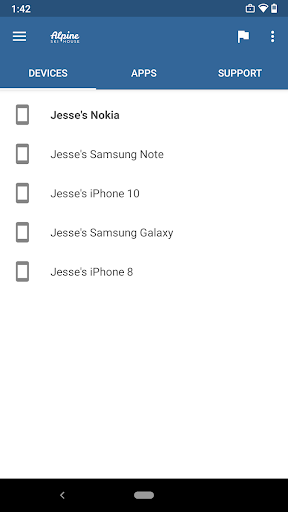
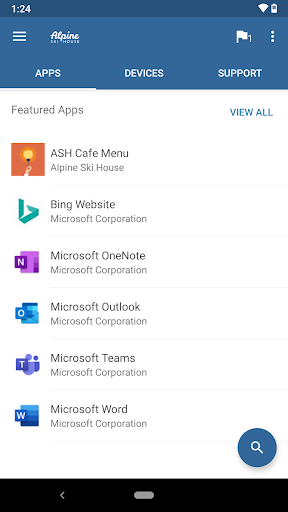
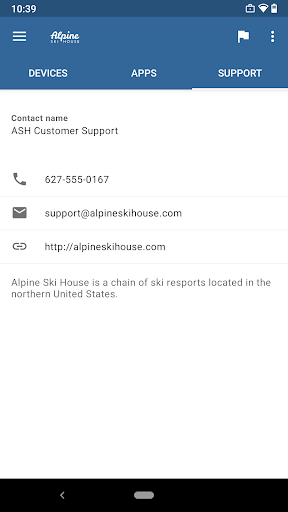
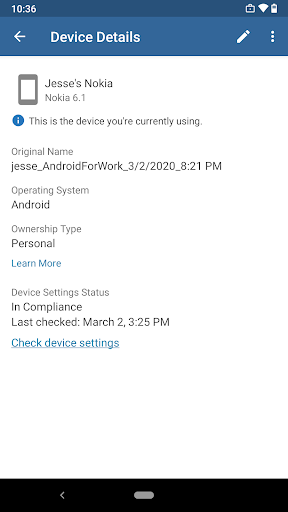
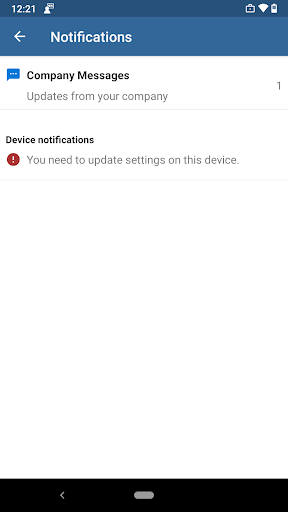
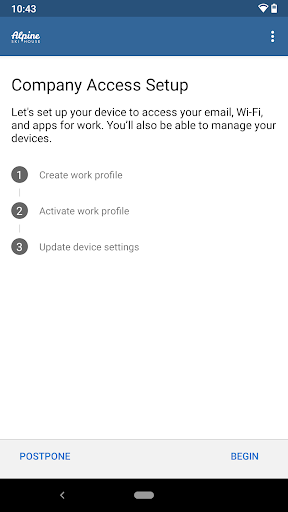
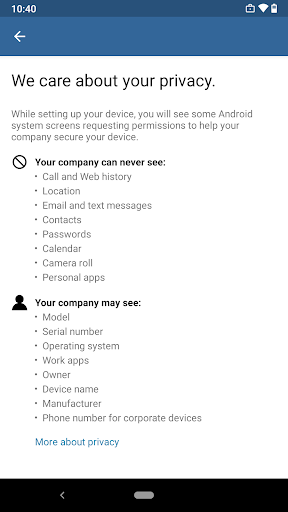
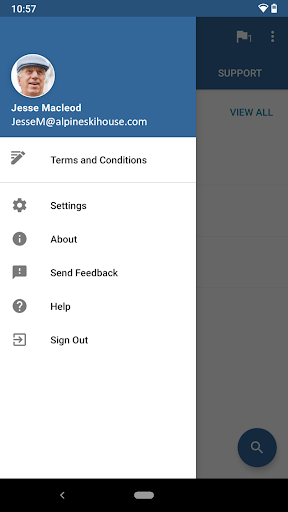
The Intune Company Portal is a reliable mobile app designed for businesses to securely manage and access corporate resources. It provides a seamless app experience for users, enabling easy onboarding, device management, and access to essential company applications. As an effective app based solution, it helps organizations maintain security while offering employees a straightforward way to connect with their work tools from their Android devices.
This mobile app is ideal for IT professionals, administrators, and employees in organizations that rely on secure device management and app deployment.
It is particularly useful for businesses seeking an app-based solution to streamline workplace mobility, improve security, and manage Android devices efficiently in a business environment.
This Android app offers a reliable and secure platform, making device management straightforward and efficient. Its app features help organizations maintain security standards while enhancing user convenience.
What sets it apart is its seamless integration with existing enterprise tools, providing an app experience that balances security with ease of use. It stands out as a trusted app-based solution for modern business needs.

 Streamlined device management
Secure access to corporate resources
User-friendly interface
Supports multiple platforms
Integrated with Microsoft ecosystem
Streamlined device management
Secure access to corporate resources
User-friendly interface
Supports multiple platforms
Integrated with Microsoft ecosystem

 Occasional app performance lag
Limited customization options for end-users
Requires ongoing subscription and licensing fees
Complex initial setup for large organizations
Delayed updates sometimes cause compatibility issues
Occasional app performance lag
Limited customization options for end-users
Requires ongoing subscription and licensing fees
Complex initial setup for large organizations
Delayed updates sometimes cause compatibility issues
Yes, the Intune Company Portal app is developed by Microsoft, a trusted name in technology. It follows strict security protocols to protect your device and data when used as an app-based solution for device management. Always download from official app stores and keep the app updated to ensure your device remains secure. As a reputable Android app in the business category, it's designed with safety and user privacy in mind.
The setup process for the Intune Company Portal is straightforward. You can find the app in the Google Play Store by searching for its name. Once installed, open the app and follow the on-screen instructions to sign in with your work credentials. This mobile app offers an intuitive app experience that guides you through device registration and management. It's designed to work smoothly as an employer-provided launcher app for secure access to company resources.
The app features include remote device management, compliance checks, and resource access controls. It allows IT administrators to apply policies, deploy apps, and ensure your device adheres to company security standards. As a reliable app based solution, it helps streamline business operations by integrating security features directly into your Android app for managing work-related tasks efficiently.
While most features require an active internet connection, certain functions like viewing downloaded policies or accessing offline resources can work without Internet. However, regular updates and communication with your company server depend on connectivity. Because it's designed as an app-based solution, the app's experience is optimized when your device maintains a stable connection, ensuring you get the latest compliance info and app features when needed.
If you face problems, first try restarting the app or updating it via the Google Play Store. Ensure your device's software is up to date as well. For persistent issues, contact your organization's IT support for guidance. Trustworthy app features and proper app management make troubleshooting easier, and Microsoft's support resources are available if you need detailed assistance with this secure device management tool.
The app is compatible with most Android devices running on Android OS 6.0 and above. Compatibility can vary depending on device specifications and OS updates, so it's best to check your device's compatibility before installation. As a professional launcher app in the business category, it's designed to work seamlessly across a broad range of Android smartphones and tablets, helping you stay connected and managed securely.
Microsoft regularly updates the Intune Company Portal to enhance security, add new features, and improve the overall app experience. Updates typically include bug fixes and improved compatibility to ensure the app functions smoothly as a trusted app based solution. Keeping the app current is vital to maintaining device security and leveraging the latest app features for efficient device management.
Yes, the app is available on other platforms like iOS, providing a consistent app experience across devices. This helps organizations manage devices through a unified app based solution, whether users are on Android or Apple devices. If you're using multiple platforms, the Intune Company Portal ensures your device management needs are covered with a reliable app experience tailored for various operating systems.
Resume - Intelligent CV maker
Business
Visual Voicemail
Business
Google Chat
Business
AnyDesk Remote Desktop
Business
Intune Company Portal
Business
Microsoft Power BI
Business
Jooble — Job Search App
Business
clickworker
Business
All Document Reader:PDF Viewer
Business
Package Tracker - pkge Mobile
Business
Dayforce
Business
Power Apps
Business











 Download From Google Play










