

 Home
Home
 Apps
Apps
 Games
Games
 Disclaimer
 Cookies & Privacy Policy
 Terms of Service
Version: Varies with device
Developer: Google LLC
 Trusted app
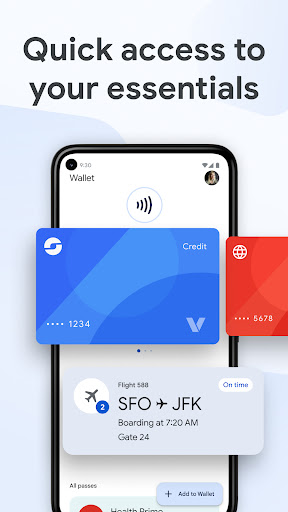
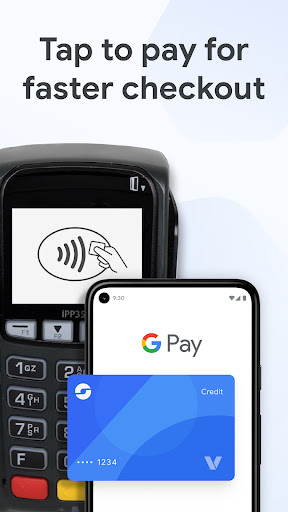
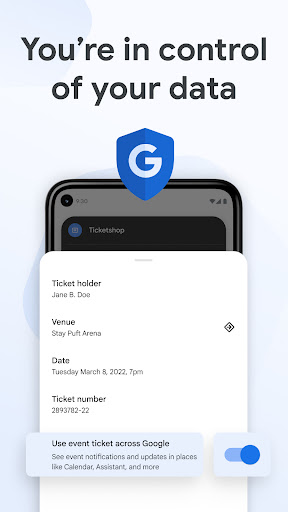
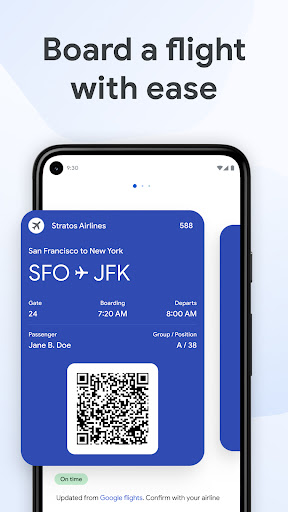
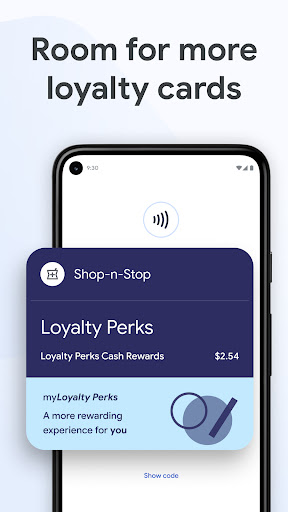
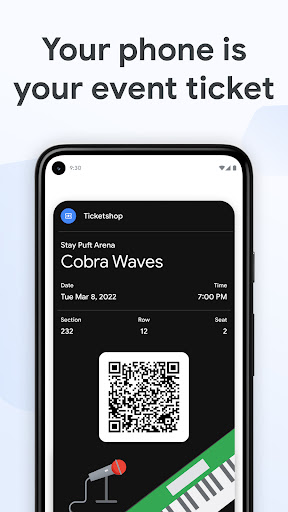
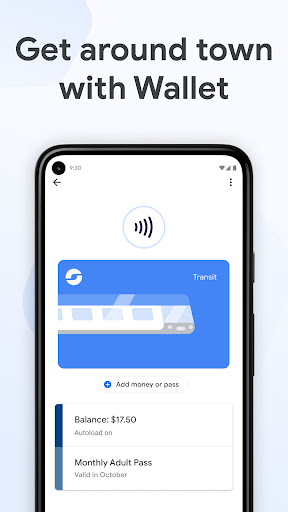
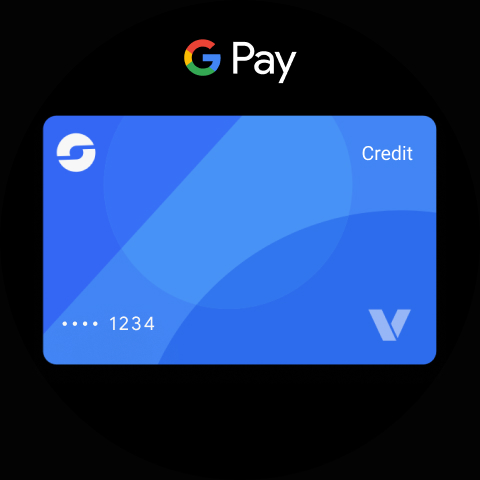
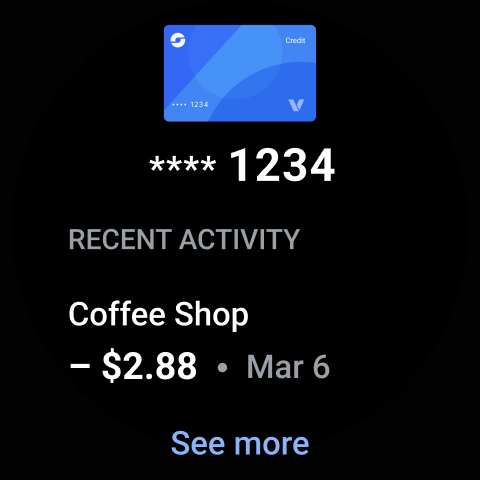
Google Wallet is a widely used mobile app that simplifies managing your finances digitally. As an Android app designed for convenience, it offers a secure and straightforward way to store and use your payment methods, loyalty cards, and tickets. Its intuitive interface provides users with a seamless app experience, making digital payments and financial transactions quick and easy from your device.
This mobile app is ideal for Android users of all ages who want a simple and secure way to manage their finances digitally. It's especially beneficial for those seeking an efficient app-based solution for everyday transactions.
Whether you're a busy professional, a frequent traveler, or someone looking to replace physical cards, this app experience simplifies your financial life by consolidating payment methods and transaction history in one place.
This Android app stands out with its straightforward interface and robust security features that ensure your data is protected. Its comprehensive app features make managing digital payments easier and more reliable than many alternatives.
Choosing this app means opting for a trusted, efficient app-based solution that enhances your financial flexibility and provides peace of mind with real-time updates and secure transactions.

 User-Friendly Interface
Wide Acceptance
Secure Transactions
Contactless Payments
Additional Features
User-Friendly Interface
Wide Acceptance
Secure Transactions
Contactless Payments
Additional Features

 Limited Offline Functionality
Occasional App Glitches
Geographic Availability Restrictions
Transaction Delays
Limited Integration with Non-Google Services
Limited Offline Functionality
Occasional App Glitches
Geographic Availability Restrictions
Transaction Delays
Limited Integration with Non-Google Services
Getting started with Google Wallet on your mobile app is straightforward. First, download the Android app from the Google Play Store and follow the on-screen instructions to create or sign into your account. Once set up, you can add your payment methods and manage your cards easily. Google Wallet offers a seamless app experience, making it simple to pay with your phone wherever contactless payments are accepted.
Security is a top priority with Google Wallet, an app based solution that uses multiple layers of protection. Your payment data is encrypted and stored securely, ensuring your information stays private. Google also employs fraud detection tools and requires authentication for transactions, giving you peace of mind while using this reliable Android app for your financial needs.
Google Wallet features include contactless payments, transaction history, and the ability to store multiple payment cards and transit passes. Its intuitive app interface makes managing your finances simple and quick. This app experience is designed to streamline your daily spends, whether you're tapping your phone at a store or sending money to friends, making it one of the most convenient launcher apps for your financial transactions.
Yes, Google Wallet can be used in many countries for payments where contactless NFC payments are accepted. However, features like currency conversion and certain card functions may vary by region. Always check your specific app based solution and bank compatibility before traveling, to ensure smooth and secure transactions on your Android device.
If you're having trouble accessing your Google Wallet, first verify your login credentials and internet connection. You can try resetting your password or updating the app for a smoother app experience. For account recovery, Google provides straightforward support options to ensure your financial data remains safe and accessible at all times.
Google Wallet is compatible with most recent Android smartphones that support NFC technology. It's designed to work seamlessly as an app based solution on a wide range of devices, making it accessible to many users. For the best app features and secure payments, make sure your device is running a recent version of Android and has the necessary security updates installed.
Google Wallet integrates smoothly with many apps by allowing you to make payments without leaving the app interface. It's also compatible with Google Pay and other Google services, aligning well with your digital ecosystem. This app experience is designed to give you an effortless way to manage your finances and access financial services through a secure and easy-to-use app based solution.
Google Wallet generally doesn't charge fees for sending money or making payments using your linked cards. However, certain international transactions or currency conversions might incur costs. It's always a good idea to review your bank or card issuer's policies, and stay informed about any potential charges when using this trusted Android app for your financial transactions.
Trust: Crypto & Bitcoin Wallet
Finance
Coinbase: Buy Crypto & Stocks
Finance
Venmo
Finance
Revolut: Spend, Save, Trade
Finance
TrueMoney - Pay & Earn Coins
Finance
Investing.com: Stock Market
Finance
Capital One Mobile
Finance
Walmart MoneyCard
Finance
Albert: Budgeting and Banking
Finance
Varo Bank: Online Banking
Finance
OnePay – Mobile Banking
Finance
Cleo AI: Cash Advance & Money
Finance











 Download From Google Play











