

 Home
Home
 Apps
Apps
 Games
Games
 Disclaimer
 Cookies & Privacy Policy
 Terms of Service

Version: 2.1.5
Developer: Hangover Studios
 Trusted app
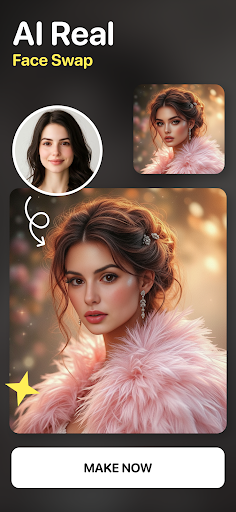
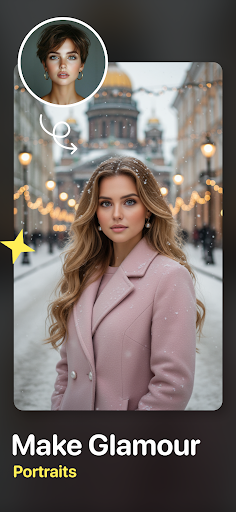
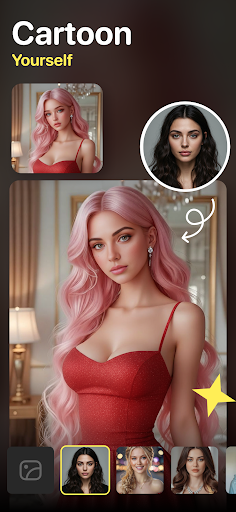
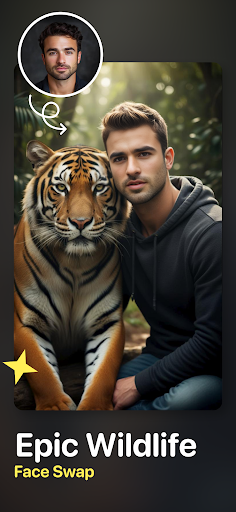
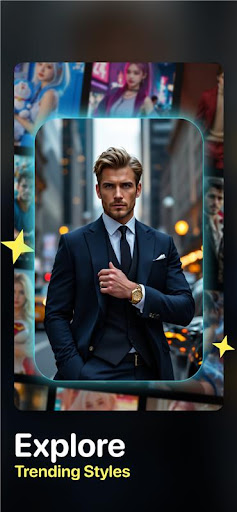
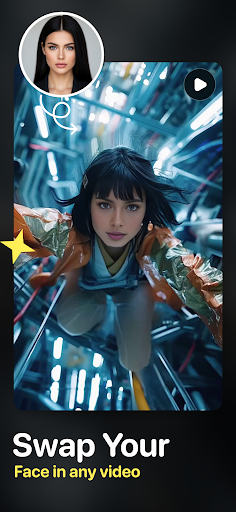

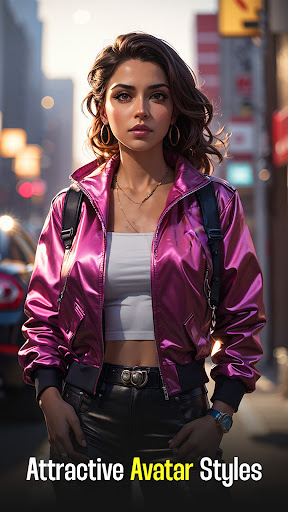
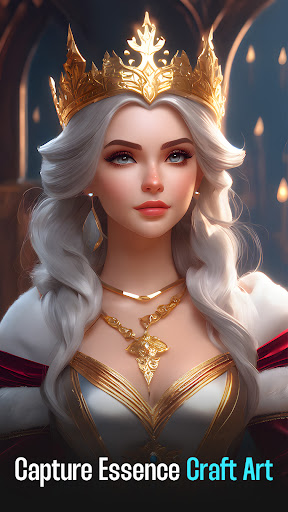
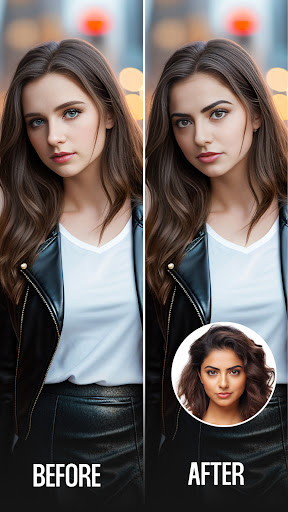
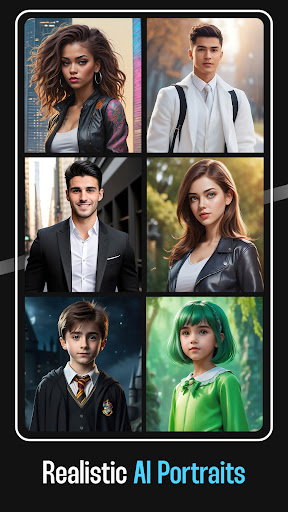
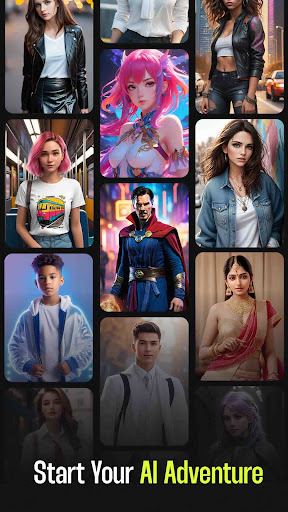
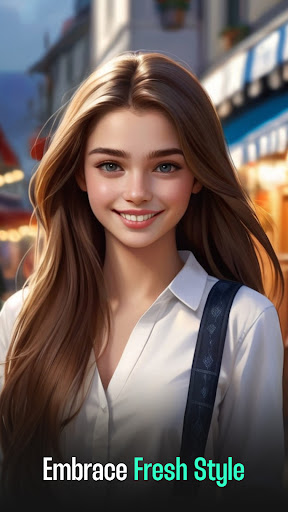
Face Swap Video–AI Photo Swap is a popular mobile app designed for fun and creative photo and video editing. As an easy-to-use Android app, it allows users to seamlessly swap faces within images or videos, offering a highly engaging app experience. Whether you want to create humorous content or artistic visuals, this app provides a simple, intuitive interface to unlock your creativity with its advanced AI-powered features.
This mobile app is ideal for social media enthusiasts, content creators, and digital artists between ages 16 and 35 looking to add creative flair to their videos. Its user-friendly interface makes it perfect for beginners and experienced users alike.
People who enjoy creating fun and engaging content for platforms like TikTok, Instagram, or YouTube will find this app-based solution useful for quick face swaps and video edits. It's also suitable for those who want a reliable Android app for producing high-quality visuals effortlessly.
This Android app offers a powerful combination of advanced AI face swap features and a simple user experience, making it stand out among similar options. It ensures users can create stunning videos with ease, thanks to its thoughtful app features and reliable app experience.
By focusing on ease of use, high-quality results, and offline functionality, this app-based solution provides a trustworthy and efficient choice for anyone looking to enhance their creative projects on their Android device without complications.

 Realistic Face Swapping Quality
User-Friendly Interface
Fast Processing Speed
Various Editing Options
Free Basic Usage
Realistic Face Swapping Quality
User-Friendly Interface
Fast Processing Speed
Various Editing Options
Free Basic Usage

 Limited Output Resolution
Occasional Face Mismatch Artifacts
Watermark on Free Version
Limited Video Length Support
Privacy Concerns with Data Usage
Limited Output Resolution
Occasional Face Mismatch Artifacts
Watermark on Free Version
Limited Video Length Support
Privacy Concerns with Data Usage
Yes, Face Swap Video–AI Photo Swap is a free-to-use mobile app available for Android devices. It offers a variety of features that allow users to swap faces and create fun videos without any upfront costs.
Some premium features may require in-app purchases, but the core app experience remains accessible and user-friendly. This app is a great choice for anyone looking for an engaging and intuitive face replacement tool on their Android device.
To install this Android app, simply visit the Google Play Store and search for Face Swap Video–AI Photo Swap. It's a straightforward process that takes just a few moments.
Once installed, you'll be able to explore its app features and start creating face swaps easily. The app has a user-friendly interface, making the setup process smooth for all users regardless of experience level.
When downloading apps like this from reputable sources like the Google Play Store, safety is generally assured. Face Swap Video–AI Photo Swap has been developed with user security in mind and doesn't collect unnecessary personal information.
However, it's always good to be cautious with privacy settings and permissions. Using a trusted Android app based solution ensures a trustworthy app experience, especially when handling personal photos and videos.
No, Face Swap Video–AI Photo Swap isn't designed to function as a launcher app. Its primary app features are focused on face swapping and video creation, rather than customizing your device's launcher or home screen.
If you're looking for a launcher app, there are other options available. However, for creating fun and engaging videos, this app provides a rich app experience with innovative features tailored for art and design enthusiasts.
This mobile app offers a range of features that make face swapping easy and fun. You can quickly replace faces in photos or videos, generate AI-based avatars, and create entertaining content with simple tools.
Its app features include real-time face detection, high-quality output, and an intuitive interface designed for users at all skill levels. These features make it a popular choice for those interested in art and creative design using mobile apps.
FlipaClip: Draw 2D Animation
Art & Design
AI Photo Editor: BG Remover
Art & Design
Adobe Capture: Illustrator,Ps
Art & Design
Tayasui Sketches
Art & Design
Concepts: Sketch, Note, Draw
Art & Design
Paint
Art & Design
Bazaart AI Photo Editor Design
Art & Design
VistaCreate: Graphic Design
Art & Design
Leonardo.Ai - Image Generator
Art & Design
ArtLoop: Learn how to draw
Art & Design
Tattoo Simulator Tattoo Maker
Art & Design
Figma: view. comment. mirror.
Art & Design











 Download From Google Play











