Home
Home
 Apps
Apps
 Games
Games
 Disclaimer
 Cookies & Privacy Policy
 Terms of Service

Version: 4.772
Developer: JPMorgan Chase
 Trusted app
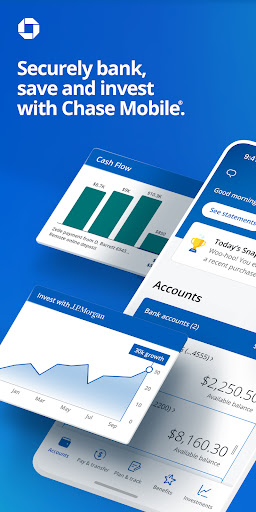
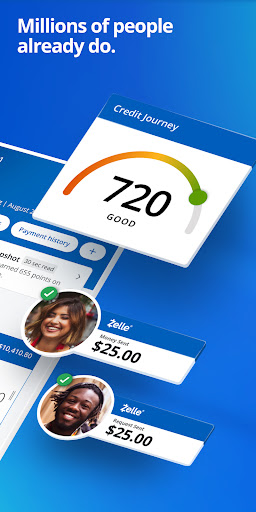
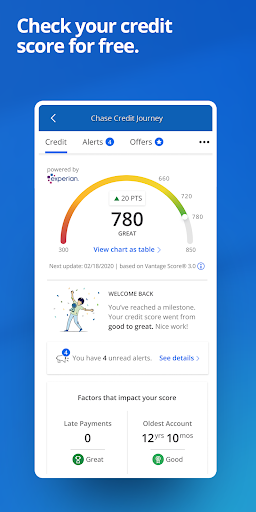
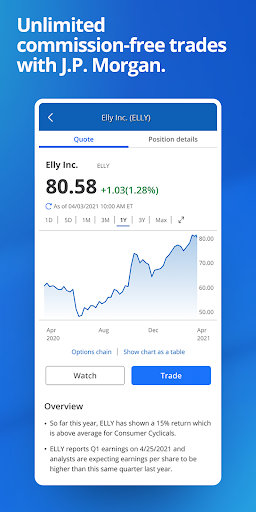
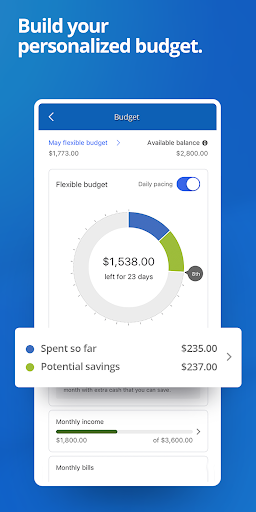
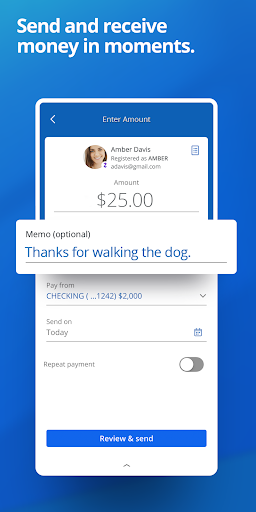
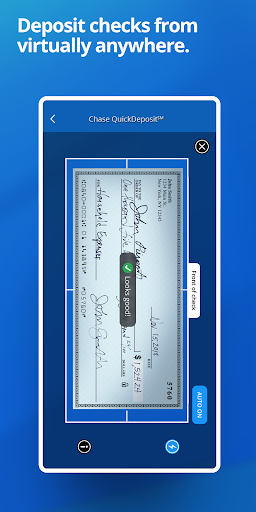
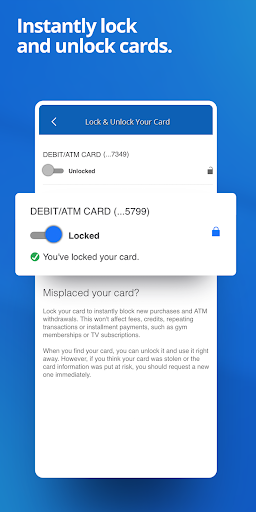
Chase Mobile is the official banking mobile app for managing your Chase accounts, offering a secure and straightforward app experience. This Android app and iOS companion let you deposit checks, pay bills, and monitor your balances in real time, all from one convenient hub designed to simplify your daily financial tasks.
This mobile app suits busy adults aged 25 to 55 who bank with Chase and want everyday account management without branch visits. It targets tech-savvy users who prefer handling finances on the go, plus older customers who value simple, guided navigation.
Use it for commuting bill payments, splitting dinner costs with Zelle, or checking balances before a big purchase. It also works well for travelers needing fraud alerts and quick card locks while abroad.
Chase Mobile stands out as an Android app that pairs robust security with genuine convenience - you get all core banking tools without extra fees or clutter. The app experience feels smooth, with near-instant load times and clear menus that reduce guesswork.
Unlike many rivals, it offers seamless integration with Chase's full product line, from mortgages to credit cards, so you monitor everything in one trusted place. When issues arise, in-app chat support and proactive fraud monitoring add real peace of mind, making it a reliable app-based solution for daily finance.

 Same-day mobile check deposit with high limits
Integrated Zelle for instant person-to-person transfers
Touch ID / Face ID login that actually works
Real-time card controls with instant lock/unlock
Clear, intuitive transaction categorization
Same-day mobile check deposit with high limits
Integrated Zelle for instant person-to-person transfers
Touch ID / Face ID login that actually works
Real-time card controls with instant lock/unlock
Clear, intuitive transaction categorization

 Occasional slow balance refresh after external transfers
No direct export of full transaction history to CSV or PDF
Search filters are limited to date ranges, not merchant names
Push notifications can be delayed by up to 2–3 minutes
Customer chat support is buried in the help menu
Occasional slow balance refresh after external transfers
No direct export of full transaction history to CSV or PDF
Search filters are limited to date ranges, not merchant names
Push notifications can be delayed by up to 2–3 minutes
Customer chat support is buried in the help menu
Yes, Chase Mobile uses the same bank-level encryption and security protocols as their website. The Android app requires your username and password to log in, and it offers optional biometric login through fingerprint or face recognition for added security.
Most crashes are due to outdated software. Ensure your device's operating system and the Chase Mobile Android app are updated from the Google Play Store. Restarting your phone or clearing the app's cache usually resolves temporary glitches in the app experience.
Yes, the app features a built-in mobile check deposit option. You can take a photo of the front and back of your endorsed check, enter the amount, and submit it. This is a convenient app based solution for managing your finances without visiting a branch.
You get locked out after entering the wrong password multiple times. Normally, after 5 failed attempts, the system locks your online banking profile for security reasons. You can unlock it immediately by using the 'Forgot Password' feature or contact customer service to verify your identity.
Yes, you can install the mobile app on several devices, including tablets and phones. Your accounts are tied to your online profile, so you just need to log in on each device to access your information. The app experience is synced across all your devices.
Pending transactions may take time to appear depending on the merchant's processing speed. While most charges show instantly, some businesses batch their transactions at the end of the day. You can check the 'Pending' section to see recent activity that hasn't fully processed yet.
Drive Safe & Save®
Finance
Trust: Crypto & Bitcoin Wallet
Finance
Investing.com: Stock Market
Finance
MetaTrader 5 — Forex, Stocks
Finance
Capital One Mobile
Finance
Crypto.com: Buy BTC, ETH & CRO
Finance
Wise: International Transfers
Finance
TradingView: Track All Markets
Finance
Venmo
Finance
Coinbase: Buy Crypto & Stocks
Finance
Revolut: Spend, Save, Trade
Finance
TrueMoney - Pay & Earn Coins
Finance











 Download From Google Play