Home
Home
 Apps
Apps
 Games
Games
 Disclaimer
 Cookies & Privacy Policy
 Terms of Service

Version: 2.37.3-7118
Developer: SG Software GmbH & Co. KG
 Trusted app
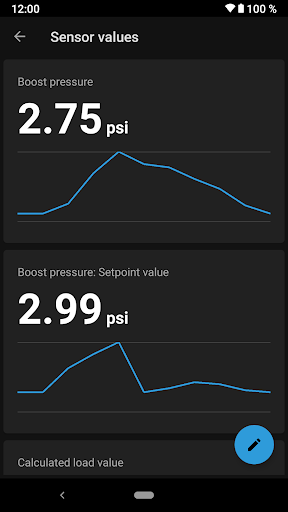
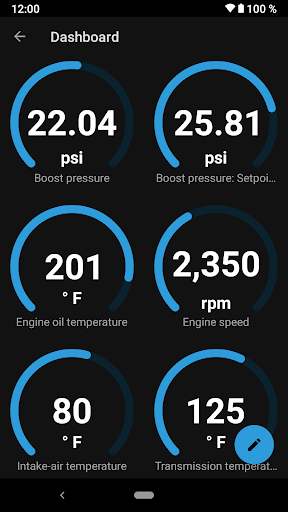
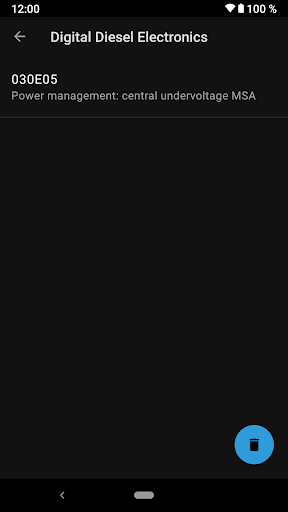
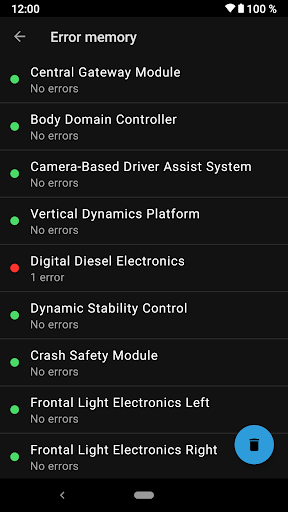
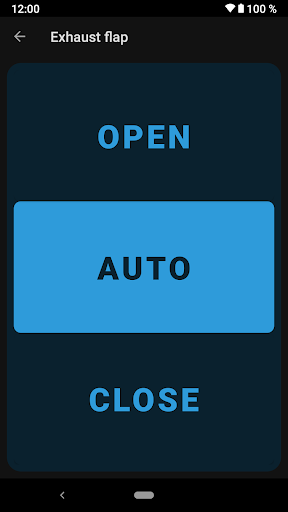
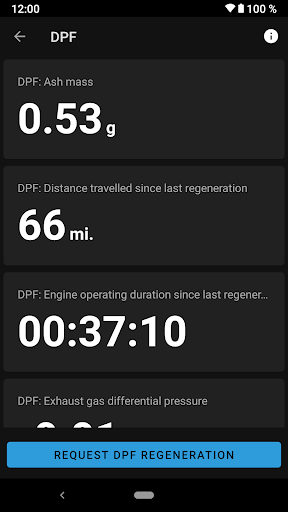
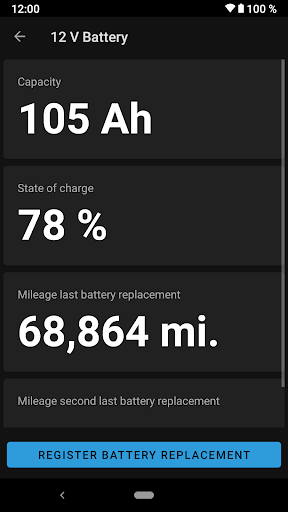
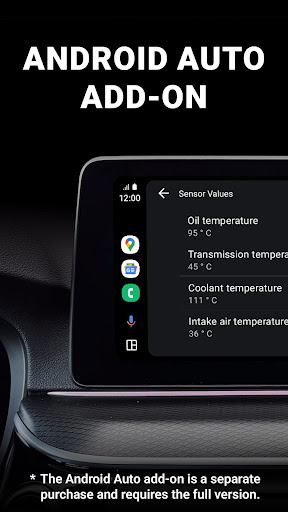
BimmerLink for BMW and MINI is a dedicated mobile app designed to enhance your vehicle's connectivity and performance. By providing real-time data access and customizable tuning options, this app offers a seamless app experience for car enthusiasts. Whether you're troubleshooting or optimizing your vehicle, it serves as an intuitive app-based solution tailored for BMW and MINI owners.
This mobile app is ideal for BMW and MINI owners who want to stay connected to their vehicle's health and performance. Car enthusiasts and professional mechanics alike will find it useful for everyday diagnostics and customization purposes.
It's especially suited for drivers seeking an app-based solution to improve their car management experience, whether during routine maintenance or detailed tuning sessions.
This Android app combines robust app features with a straightforward app experience, making vehicle management easier and more efficient. It stands out as a reliable, user-centric launcher app for car diagnostics and customization.
By offering real-time data, extensive app features, and a trustworthy interface, this app-based solution solves common vehicle troubleshooting issues and helps users get more out of their BMW or MINI vehicles with confidence.

 Comprehensive diagnostic capabilities
User-friendly interface
Supports multiple BMW and MINI models
Advanced features like coding and customization
Regular updates improve functionality
Comprehensive diagnostic capabilities
User-friendly interface
Supports multiple BMW and MINI models
Advanced features like coding and customization
Regular updates improve functionality

 Requires Bluetooth connection to a compatible scanner
Some advanced features may need a subscription or in-app purchases
Limited support for very old vehicle models
Occasional app crashes observed on some devices
Learning curve for new users unfamiliar with vehicle diagnostics
Requires Bluetooth connection to a compatible scanner
Some advanced features may need a subscription or in-app purchases
Limited support for very old vehicle models
Occasional app crashes observed on some devices
Learning curve for new users unfamiliar with vehicle diagnostics
To access the app features of BimmerLink, you'll need to connect your BMW or MINI vehicle via Bluetooth. The app experience is straightforward, and you can log in using your email or connected car credentials. It's designed to be user-friendly for both new and experienced users.
BimmerLink is primarily compatible with most recent BMW and MINI models that support OBD-II diagnostics. The app offers an app based solution that works well with a wide range of vehicles, but it's recommended to check specific model compatibility on their official support pages.
Absolutely, BimmerLink is available for both Android and iOS devices. It functions as a versatile mobile app that enhances your app experience by providing detailed vehicle diagnostics directly from your smartphone. The installation process is simple, and the app features are tailored for ease of use.
Yes, BimmerLink is designed to securely connect to your vehicle's onboard diagnostics system. It adheres to standard safety protocols, ensuring your data remains private. Trustworthiness is key, and the app is built by experienced developers familiar with automotive diagnostics.
BimmerLink provides a range of app features such as reading and clearing diagnostic trouble codes, live data streaming, and coding options for supported vehicles. Its intuitive interface offers an enhanced app experience, allowing you to manage vehicle info with ease using your mobile device.
Once installed and connected to your car, BimmerLink works primarily via Bluetooth, so an active internet connection isn't always necessary. However, some features like updates or accessing online support may require connectivity, making it a convenient app based solution.
To stay safe while using the app, make sure to operate it only when your vehicle is stationary. The app features are designed to provide useful information without distracting you. Trust your vehicle's mechanical safety systems and use the app as a helpful diagnostic tool.
Official support can be found through the app's developer website or user forums. As an experienced automotive app, BimmerLink offers comprehensive guidance and updates. Trusted sources ensure your app experience remains smooth and secure, especially if you rely on it for detailed car diagnostics.
AutoScout24: Automobile market
Auto & Vehicles
AUTODOC: buy car parts online
Auto & Vehicles
Driving Instructor-Theory Test
Auto & Vehicles
Car Engine Sounds - Gas Pedal
Auto & Vehicles
Toyota
Auto & Vehicles
Fuelio: gas log & gas prices
Auto & Vehicles
AGAMA Car Launcher
Auto & Vehicles
BikeWale- Bikes & Two Wheelers
Auto & Vehicles
Keys simulator and cars sounds
Auto & Vehicles
CarMax: Used Cars for Sale
Auto & Vehicles
AutoZone Auto Parts & Repair
Auto & Vehicles
CARFAX - New & Used Cars
Auto & Vehicles











 Download From Google Play
 Download From App Store